As an Amazon Associate we earn from qualifying purchases. Learn more.
Best Wireless All-in-One Printers for Hybrid Workers (2026)
Hybrid workers split time between home and office and need a printer that scans well, copies quickly and stays reliably connected to Wi‑Fi. This roundup tests compact lasers, inkjets and EcoTank models to find machines that balance scan/copy functionality, wireless stability and long‑term value. We prioritized scan quality, auto document feeder (ADF) performance, dual‑band or self‑reset Wi‑Fi and build durability, then matched models to common hybrid workflows so you can pick the best fit for your home office or small team.
Quick Answer
For hybrid workers who need dependable scanning, copying and solid wireless performance, the HP LaserJet MFP M140w is our top pick for balancing compact size, fast black‑and‑white laser output and easy setup. For color and high-volume ink savings choose the Epson EcoTank ET-4800; for the tightest budgets pick the Canon PIXMA TR4720.
Our Top Picks
Quick Comparison
Select 2-3 products to compare side-by-side
| Compare | Product | HomeOfficePilot Score | Price Tier | Key Feature | Best For | Action |
|---|---|---|---|---|---|---|
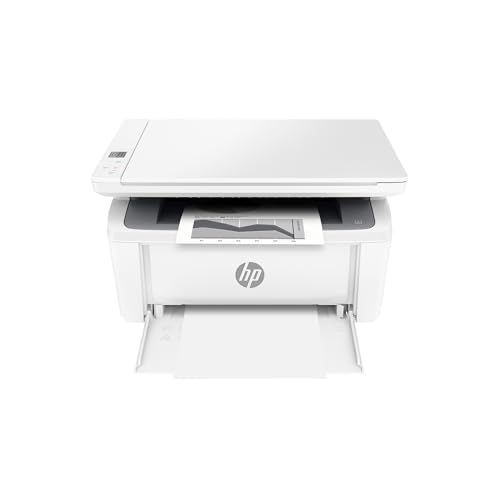 HP LaserJet MFP M140w
|
Mid-Range | Smallest-in-class laser MFP | Compact workspaces & small teams | Check Price | ||
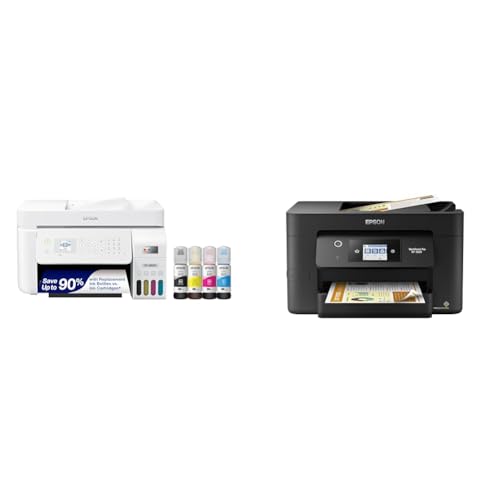 Epson EcoTank ET-4800
|
Premium | Cartridge‑free high‑capacity ink tanks | High-volume color printing & low running cost | Check Price | ||
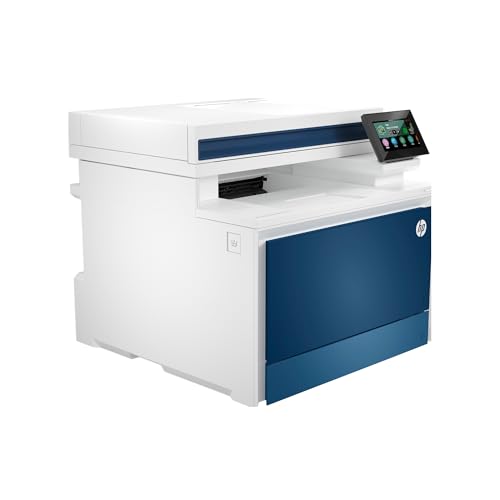 HP Color LaserJet Pro 4301fdw
|
Premium | Fast color laser printing (up to 35 ppm) | Small offices needing fast color output | Check Price | ||
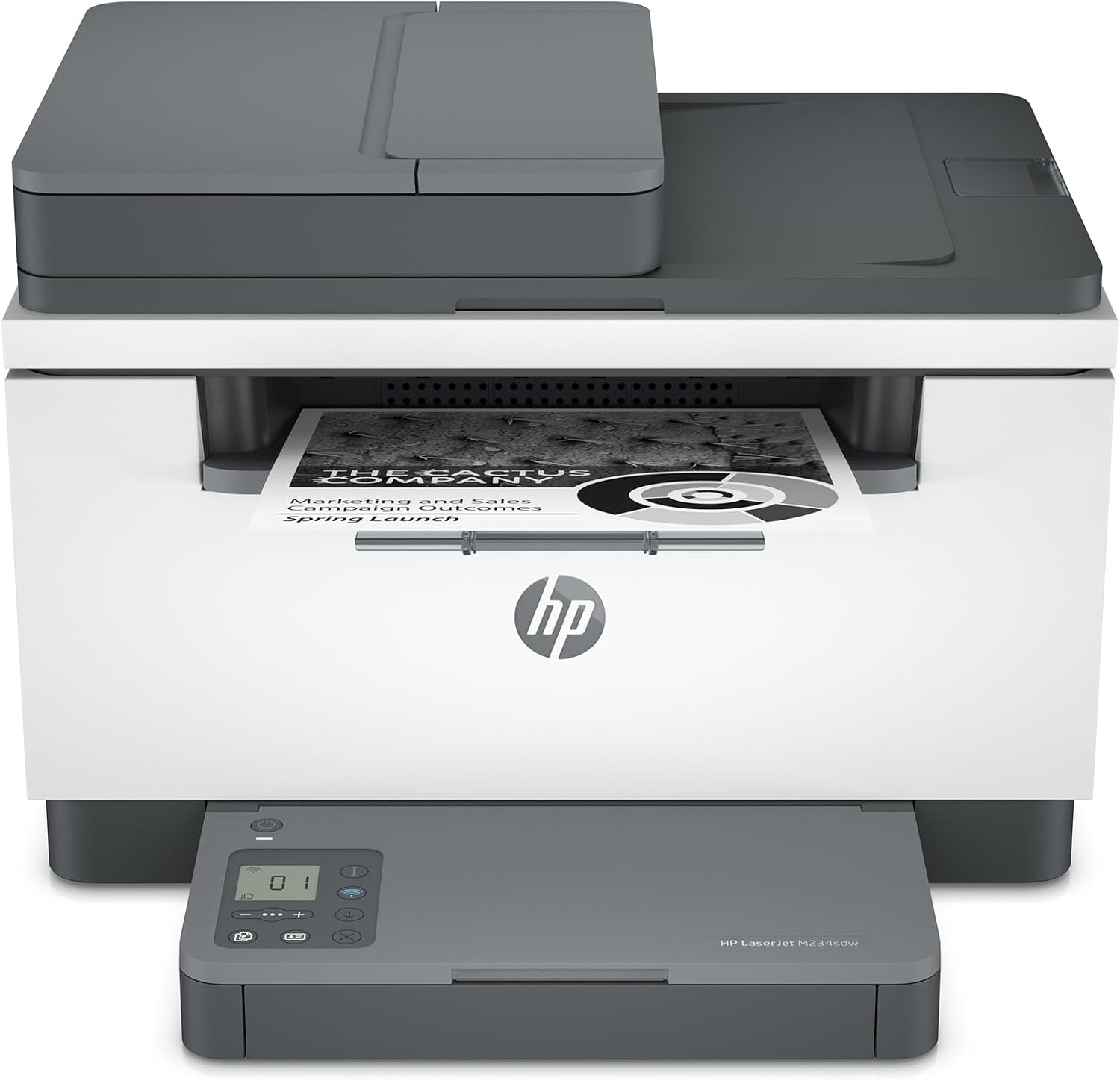 HP LaserJet M234sdw
|
Mid-Range | Fast two‑sided laser printing | Users needing fast duplex B/W prints | Check Price | ||
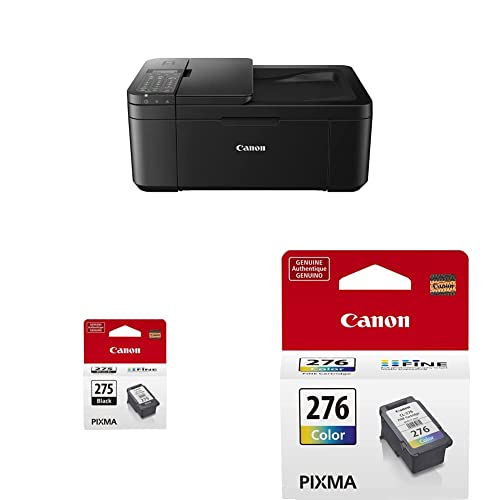 Canon PIXMA TR4720
|
Budget | Affordable 4‑in‑1 home MFP | Budget home users and occasional printing | Check Price | ||
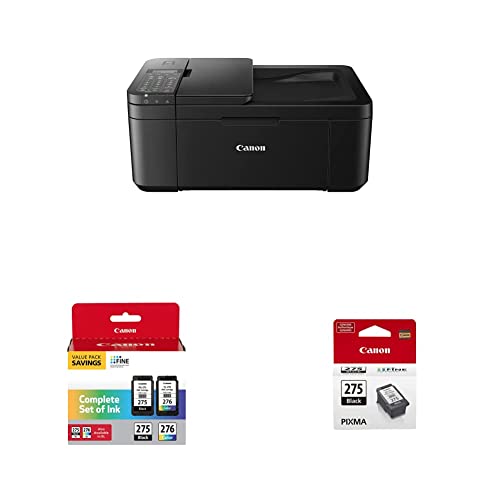 Canon PIXMA TR4720 (Multi)
|
Budget | Same TR4720 with multi‑pack ink option | Budget buyers who want starter ink bundled | Check Price |
1. HP LaserJet MFP M140w Wireless Black & White Printer, Print, scan, copy, Fast speeds, Easy setup, Mobile printing, Best-for-small teams
A compact monochrome laser all‑in‑one that excels at fast, sharp black‑and‑white printing and basic scanning/copying. It’s a great value for home or small‑team setups, though some users report intermittent wireless connectivity and a few durability concerns.
Key Specs
- Print speed up to 21 ppm (black, single-sided)
- Wireless printing and mobile app support (HP Smart)
- Copies ID cards onto a single page
- Small footprint — fits tight spaces
Pros
- Compact size that fits small desks and shelves
- Fast black‑and‑white output for documents
- Easy, guided setup with HP Smart app
Cons
- Some users report inconsistent wireless connectivity
- Mixed long‑term durability reports
Best For: Compact workspaces & small teams
Check Latest Price on Amazon2. Epson EcoTank ET-4800 Wireless All-in-One Cartridge-Free Supertank Printer with Scanner & Workforce Pro WF-3820 Wireless Color Inkjet All-in-One Printer, Black Large
EcoTank’s cartridge‑free design dramatically reduces ink cost and interruption, while PrecisionCore technology offers fast color printing and reliable scanning. It’s geared toward heavy hybrid workloads and teams who want low cost‑per‑page and a full-featured ADF, though the upfront price is higher than entry models.
Key Specs
- Cartridge‑free high‑capacity ink tanks (up to years of ink in box)
- ISO speeds ~21 ppm black / 11 ppm color
- Auto 2‑sided printing and 35‑page ADF
- PrecisionCore heat‑free printhead technology
Pros
- Very low long‑term ink costs
- Strong scan/ADF workflow for multi‑page jobs
- Designed for high‑volume reliability
Cons
- Higher upfront cost compared with budget models
- Larger footprint for small home offices
Best For: High-volume color printing & low running cost
Check Latest Price on Amazon3. HP Color Laserjet Pro MFP 4301fdw Wireless All-in-One Color Laser Printer, Scanner, Copier, Fax, Best-for-Office
A fast, secure color laser MFP built for small teams with heavy color document needs and an ADF for multi‑page scanning. It includes intelligent Wi‑Fi that seeks the best connection, but some buyers note mixed experiences with connectivity and toner costs.
Key Specs
- Up to 35 color ppm print speed
- Intelligent Wi‑Fi and Ethernet/Bluetooth support
- Auto 2‑sided printing and ADF for fast scanning
- HP Wolf Pro Security for printer protection
Pros
- Very fast color printing for busy offices
- Robust security and connectivity options
- Good overall print and scan quality
Cons
- Toner cost can be high for heavy color use
- Some reports of inconsistent wireless behavior
Best For: Small offices needing fast color output
Check Latest Price on Amazon4. HP LaserJet MFP M234sdw Wireless Printer, Print, scan, copy, Fast speeds, Easy setup, Mobile printing, Best-for-small teams
A speedy monochrome laser MFP with up to ~30 ppm two‑sided printing, a 40‑page ADF and dual‑band Wi‑Fi with self‑reset to help resolve connectivity glitches. Customers praise its print quality and compactness, though occasional hardware or connectivity failures are reported.
Key Specs
- Up to 30 ppm single‑sided; fast two‑sided performance
- 40‑page auto document feeder
- Dual‑band Wi‑Fi with self‑reset
- Built‑in security features
Pros
- Very fast duplex printing for dense workflows
- Good print quality and compact design
- Reliable app‑based setup for mobile printing
Cons
- Some units reported to have faults out of the box
- Mixed long‑term durability feedback
Best For: Users needing fast duplex B/W prints
Check Latest Price on Amazon5. Canon PIXMA TR4720 All-in-One Wireless Printer Home use, with Auto Document Feeder, Mobile Printing and Built-in Fax, Black PG-275 Black Ink Tank, CL-276 Color Ink Cartridge
A budget-conscious 4‑in‑1 inkjet with ADF and fax for home offices that need basic scanning and copying. It offers good initial value, but customers mention slow print speed, higher ink consumption and some build quality concerns.
Key Specs
- Print, copy, scan and fax in a compact body
- Auto Document Feeder and mobile app setup
- Uses PG‑275/CL‑276 ink cartridges
- Designed for home use (compact footprint)
Pros
- Low upfront cost and good value for light use
- Easy setup via Canon app for many users
- Compact and space‑efficient
Cons
- Ink tends to run out faster on heavy use
- Some reports of flimsy plastic construction
Best For: Budget home users and occasional printing
Check Latest Price on Amazon6. Canon PIXMA TR4720 All-in-One Wireless Printer - Home Use, Auto Document Feeder, Mobile Printing, Built-in Fax - Black & Canon PG-275/CL-276 Multi Pack & PG-275 Black Ink Tank
Functionally the same TR4720 with bundled ink options—good for budget buyers who want lower initial ink worry. It still shares the same tradeoffs: solid value for occasional home printing but higher ink usage and mixed build quality under heavier workloads.
Key Specs
- 4‑in‑1 functionality with ADF and fax
- Canon PRINT Inkjet/SELPHY app setup
- Includes PG‑275/CL‑276 starter cartridges
- Compact, home‑oriented design
Pros
- Attractive entry price with bundled ink options
- Easy cartridge installation and setup
- Good value for light-duty home tasks
Cons
- Not ideal for heavy or frequent print jobs
- Plastic construction can feel cheap
Best For: Budget buyers who want starter ink bundled
Check Latest Price on AmazonWhich One Should You Choose?
If you want a compact, reliable monochrome MFP with a good balance of speed and size → HP LaserJet MFP M140w (B09MSPNYQ2). If budget is tight and your needs are occasional home printing → Canon PIXMA TR4720 (B0BWDF7HVM or B0BSL2V2N5). If you need low long‑term ink cost, full‑featured scanning/ADF and high color volume → Epson EcoTank ET‑4800 (B0CR9WHYYS). If you need fast color laser output and robust security for a small office → HP Color LaserJet Pro 4301fdw (B0BVWSGP4F).
Best for Specific Scenarios
- Frequent multi‑page scanning: Epson EcoTank ET‑4800 because its 35‑page ADF and reliable scanning workflow handle batch jobs smoothly.
- Compact home office with mainly text prints: HP LaserJet MFP M140w because it delivers fast, sharp B/W output in a very small footprint.
- Lowest ongoing ink cost for color work: Epson EcoTank ET‑4800 because refillable tanks dramatically reduce cost per page compared with cartridges.
Frequently Asked Questions
Do I need a color printer for hybrid work?
If your work is mostly documents, spreadsheets and black‑and‑white reports, a monochrome laser MFP is faster and cheaper long‑term. Choose a color inkjet or EcoTank if you regularly print marketing materials, color charts or client deliverables.
What Wi‑Fi features matter for stable connections?
Dual‑band Wi‑Fi (2.4/5 GHz), automatic connection recovery or self‑reset features, and a good mobile printing app help keep a hybrid worker connected across networks. Ethernet is useful for office setups that require stable wired connections.
How do running costs compare between laser and EcoTank printers?
Laser printers typically have higher toner costs but lower maintenance for high text volumes; EcoTank models have higher upfront cost but much lower ink refill expenses, making them cheaper per page for mixed color workloads over time.
How We Selected These Products
Our recommendations are based on data-driven analysis: we evaluated 29748+ products across 4825+ brands using a composite scoring system that weighs rating (40%), review volume (30%), price value (20%), and demand signals (10%). Every product is ranked by data, not opinions.
Last updated: September 03, 2026
As an Amazon Associate we earn from qualifying purchases at no extra cost to you. Full disclosure.
HomeOfficePilot Score is our editorial ranking based on a composite analysis of product quality, value, and verified customer sentiment. Click through to Amazon for current pricing, availability, and live customer reviews.