As an Amazon Associate we earn from qualifying purchases. Learn more.
Best Home Photo Printers for Back-to-School Projects (2026 Guide)
Back-to-school season means projects, portfolios, and photo displays — but you don’t want ink bills to ruin the semester. This guide looks at compact home photo printers and paper options that balance image quality with low running costs. You’ll find pocket-sized inkless printers for stickers and photo accents plus full-size inkjet solutions suited to higher-fidelity prints. Products were chosen for print quality relative to ongoing costs, portability, and ease of use based on product specs and real-customer feedback.
Quick Answer
For a balance of photo-ready results and low running costs, the Phomemo M02S is the top pick — it uses inkless thermal printing for very low consumable costs and offers high-resolution sticker prints for notebooks and projects. If you need the cheapest option, the Phomemo T02 is the best budget pick for portable, inkless prints.
Our Top Picks
Quick Comparison
Select 2-3 products to compare side-by-side
| Compare | Product | HomeOfficePilot Score | Price Tier | Key Feature | Best For | Action |
|---|---|---|---|---|---|---|
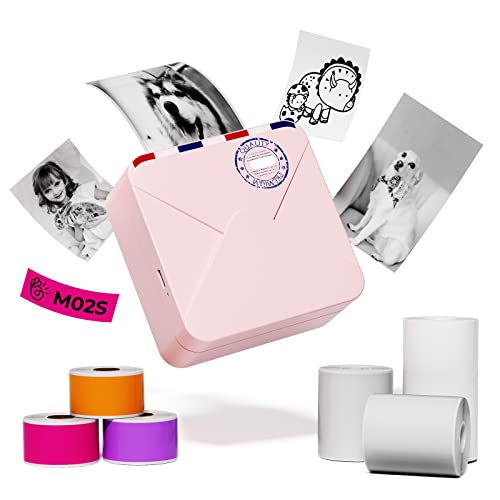 Phomemo M02S
|
Premium | 304 dpi inkless thermal printing | Portable sticker photos & labels | Check Price | ||
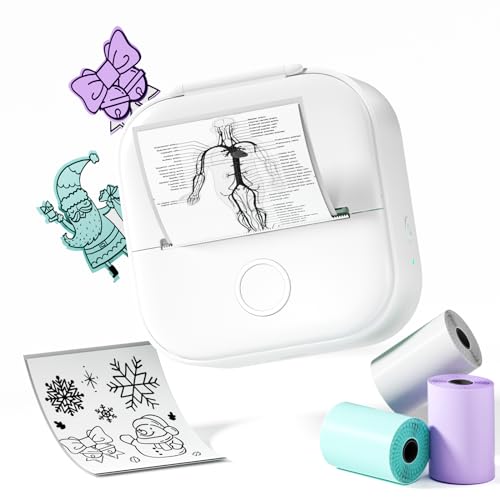 Phomemo T02
|
Budget | Inkless thermal, ultra-portable | Students and on-the-go printing | Check Price | ||
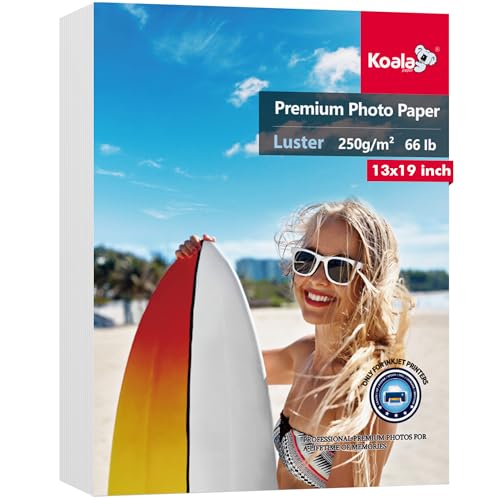 Koala 13x19 Luster
|
Budget | Microporous luster coating | Large-format inkjet photo projects | Check Price | ||
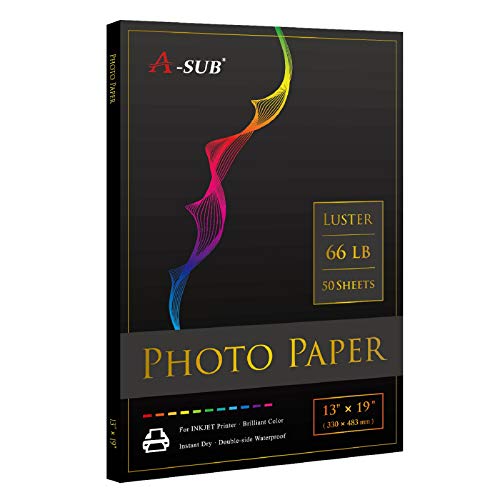 A-SUB 13x19 Luster
|
Budget | Resin-coated, waterproof luster | Studio-style prints on a budget | Check Price | ||
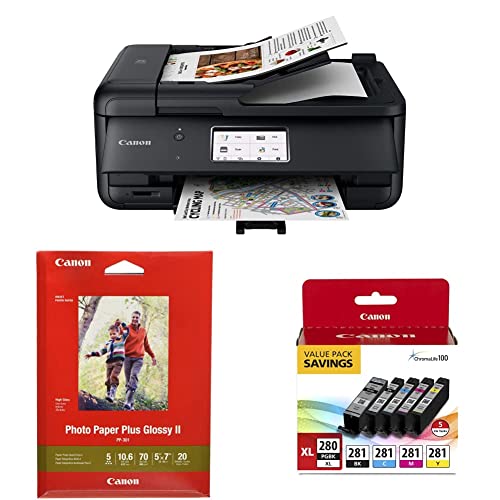 Canon PIXMA TR8620a
|
Premium | All-in-one photo printing with ChromaLife100 | High-fidelity color photos and multifunction use | Check Price |
1. Phomemo M02S Sticker Printer- 300dpi Mini Note Printer Bluetooth Thermal Printer for Home/Office/School, for Study Notes, Photo Printing, with 6 Rolls Paper, Pink
The M02S upgrades Phomemo’s pocket lineup with 304 dpi thermal printing and support for three label sizes. It’s ideal for students who want durable, ink-free sticker photos for journals and short project displays with very low running costs.
Key Specs
- 304 dpi thermal resolution
- Supports 53mm / 25mm / 15mm paper sizes
- Bluetooth app control (Phomemo app)
- Includes multiple paper rolls (assorted sizes/colors)
Pros
- Inkless thermal printing keeps running costs minimal
- Multiple paper sizes for labels, small photos and notes
- Compact, pocketable and easy to carry
Cons
- Small print sizes — not suited for full-size photos
- Thermal prints lack full color depth like inkjet photos
Best For: Portable sticker photos & labels
Check Latest Price on Amazon2. Phomemo T02 Sticker Printer- Mini Printer Sticker Maker, Print Pods Inkless Machine, Bluetooth Thermal Pocket Maker for Study Notes, Photos, DIY Printing, with 3 Rolls Paper, White
The T02 is the budget pocket option for fun, quick sticker prints and note labels. It uses thermal, inkless printing and a smartphone app to produce fast monochrome (or specially-coated) sticker photos without recurring ink costs.
Key Specs
- Inkless thermal printing technology
- Bluetooth mobile app control
- Comes with 3 rolls of sticker paper
- Designed for portability and pocket use
Pros
- Very low running costs thanks to inkless tech
- Small, lightweight and easy to use for students
- Fast print speed for quick project needs
Cons
- Print quality and Bluetooth reliability are mixed for some users
- Not suitable for full-color photographic prints
Best For: Students and on-the-go printing
Check Latest Price on Amazon3. Koala Premium Photo Paper 13x19 In Luster Photo Printer Paper for Inkjet Printer Water-Resistant Soft Gloss 66lb 50 Sheets
This 13x19 luster inkjet paper gives a professional-looking finish for larger school posters and portfolio prints. It’s a budget-friendly way to get good color reproduction and a fingerprint-resistant surface — just check compatibility with your printer.
Key Specs
- 13 x 19 inch size, 50 sheets
- 66 lb (resin-coated) with microporous coating
- Luster finish resists fingerprints and glare
- Marketed as water-resistant and flat to avoid curling
Pros
- Good value for large-format prints
- Luster surface gives a professional look
- Flat sheets reduce paper handling issues
Cons
- Some users report mixed results with finish and texture
- Compatibility can vary by inkjet model
Best For: Large-format inkjet photo projects
Check Latest Price on Amazon4. A-SUB Premium Photo Paper Luster 13x19 Inch 66lb for Inkjet Printers 50 Sheets, Single Sided
A-SUB’s luster paper is engineered for vivid color and quick-drying ink absorption, making it a solid choice for photo projects and displays. It’s single-sided and resin-coated to resist water and fading, although texture and corner bending can be inconsistent.
Key Specs
- 13 x 19 inch, 66 lb weight
- Luster finish, single-sided printing
- Resin-coated for color longevity and waterproofing
- Optimized for inkjet printers
Pros
- Good color reproduction and value for money
- Waterproof/resin-coated for lasting prints
- Quick-drying surface reduces smearing
Cons
- Some sheets may arrive with bent corners
- Texture can be rough for certain photo styles
Best For: Studio-style prints on a budget
Check Latest Price on Amazon5. Canon TR8620a All-in-One Printer Home Office | Copier, Black & Ink 1432C002 Photo Paper Plus Glossy II 5" x 7" 20 Sheets & PGI-280XL/CLI-281 5 Color Pack
The Canon TR8620a is a compact all-in-one that combines scanning, copying and relatively high-quality photo printing with Canon’s ChromaLife100 inks and included sample photo paper. It’s a versatile home office choice when photo fidelity matters, though ink costs and build feel are common trade-offs.
Key Specs
- 4.3" LCD touchscreen for easy control
- All-in-one: print, copy, scan, fax, ADF
- Compatible with PGI-280XL/CLI-281 ink system
- Includes Photo Paper Plus Glossy II sample sheets
Pros
- Well-suited for full-color photo projects and documents
- Easy setup and good wireless connectivity options
- Includes photo paper and ink starter pack
Cons
- Build quality feels flimsy to some users
- Ink costs can be high for frequent photo printing
Best For: High-fidelity color photos and multifunction use
Check Latest Price on AmazonWhich One Should You Choose?
If budget is tight → Phomemo T02 is the best budget choice for cheap, portable, ink-free sticker prints. If you need portable but higher-detail stickers and flexible sizes → Phomemo M02S offers higher resolution and multiple paper sizes. If premium photo quality for large displays matters → pair the Canon TR8620a with quality luster photo paper (Koala or A-SUB) for better color depth and finish. If you already have an inkjet and want a value paper upgrade → Koala or A-SUB 13x19 luster paper gives the best large-format value.
Best for Specific Scenarios
- Notebook accents & planners: Phomemo M02S because it prints sticker-sized photos and labels with minimal running costs.
- On-the-go crafts and party favors: Phomemo T02 because it’s the lightest, most budget-friendly pocket printer.
- Poster boards and portfolio prints: Canon PIXMA TR8620a + Koala or A-SUB luster paper because the inkjet + quality paper combo gives richer color and a professional finish.
Frequently Asked Questions
Are thermal sticker printers good for school photo projects?
Yes — thermal sticker printers are great for small, inexpensive prints like labels, journal accents, and small photos for displays. They’re inkless so running costs are very low. However, they’re limited in size and color depth compared with inkjet photo prints.
How do I keep ink costs down for full-color prints?
Print selectively on dedicated photo paper only when you need high-quality results, use draft mode for everyday documents, and consider compatible high-yield cartridges if available. Also evaluate the cost per page of cartridges rather than just the printer price.
Which paper finish should I choose: glossy or luster?
Luster is a good middle ground — it reduces glare, resists fingerprints, and gives a professional look for school projects. Glossy is shinier but shows fingerprints more readily. Check your printer compatibility and try a small pack first since finishes can look different depending on inks and printer profiles.
How We Selected These Products
Our recommendations are based on data-driven analysis: we evaluated 29748+ products across 4825+ brands using a composite scoring system that weighs rating (40%), review volume (30%), price value (20%), and demand signals (10%). Every product is ranked by data, not opinions.
Last updated: August 03, 2026
As an Amazon Associate we earn from qualifying purchases at no extra cost to you. Full disclosure.
HomeOfficePilot Score is our editorial ranking based on a composite analysis of product quality, value, and verified customer sentiment. Click through to Amazon for current pricing, availability, and live customer reviews.