As an Amazon Associate we earn from qualifying purchases. Learn more.
Best Mailing Label Sheets for Laser Printers (2026)
Whether you run a home office, ship products, or make custom address labels, laser-safe adhesives and the right paper finish make the difference between crisp, durable labels and smudged, peeling disasters. This 2026 roundup tests common label formats — small rectangular labels, full-sheet sticker paper, and half-sheet shipping labels — focusing on laser compatibility, adhesive strength, paper thickness, and how cleanly toner fuses to the surface. I evaluated products on print clarity, smear resistance, peelability, and value; below are the best mailing label sheets for laser printers by use case and price tier to help you pick the right option.
Quick Answer
For crisp, smudge-free mailing labels on laser printers, the OfficeSmartLabels 17150-count (B08BGZ4414) delivers the best balance of laser-safe adhesive, consistent print quality, and value. If you need a lower-cost pack, the OfficeSmartLabels 150-sheet option (B08BG84LL4) is the best budget choice.
Our Top Picks
Quick Comparison
Select 2-3 products to compare side-by-side
| Compare | Product | HomeOfficePilot Score | Price Tier | Key Feature | Best For | Action |
|---|---|---|---|---|---|---|
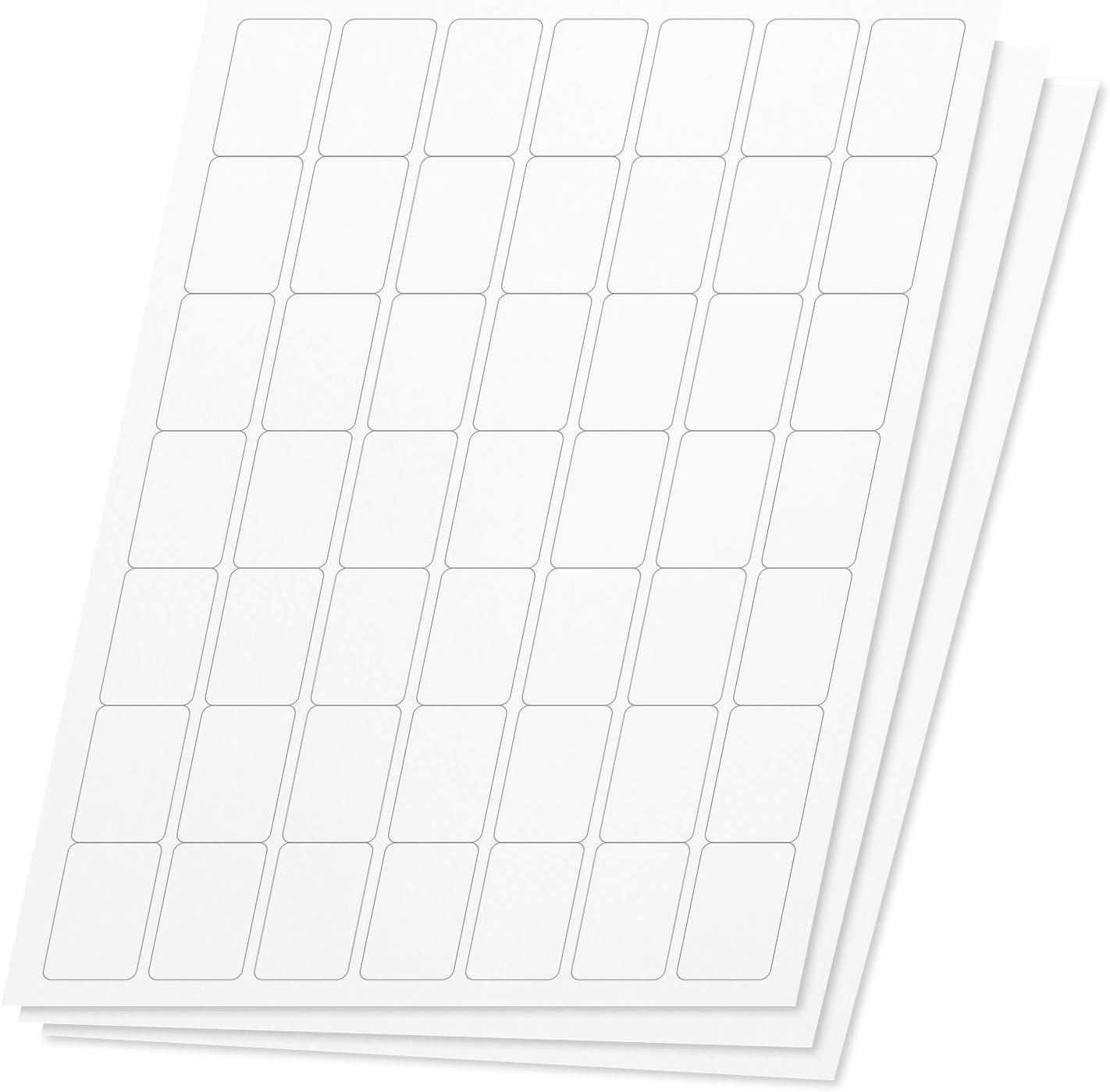 OfficeSmartLabels 17150
|
Mid-Range | Large 350-sheet pack with strong adhesive | High-volume address and product labels | Check Price | ||
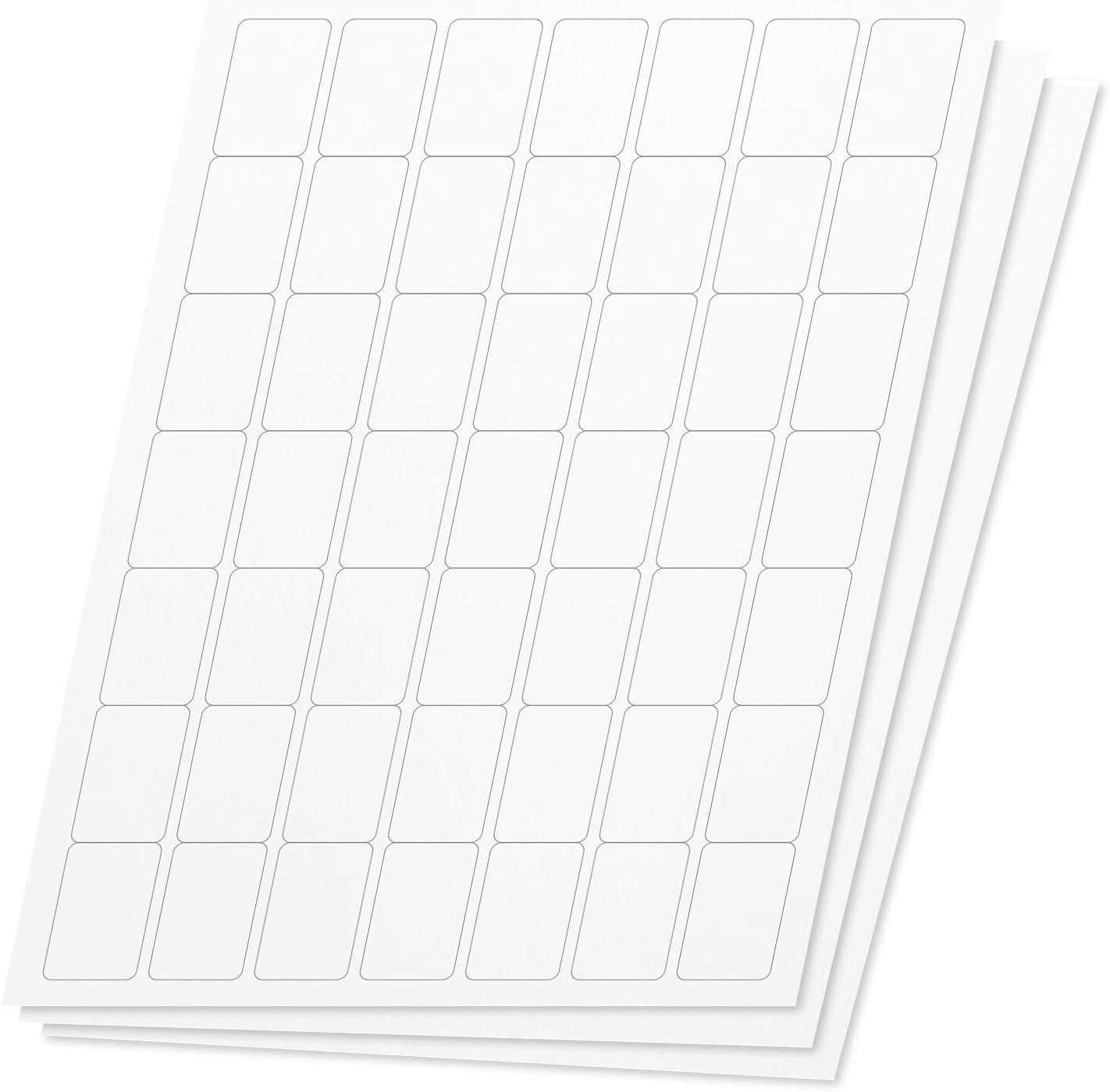 OfficeSmartLabels 7350
|
Budget | 150-sheet budget pack with water-resistant label face | Small businesses and crafts on a budget | Check Price | ||
 OnlineLabels 5,000 Full Sheets
|
Premium | Full-sheet matte sticker paper; smudge-proof | Custom-cut stickers and full-sheet mailing labels | Check Price | ||
 OnlineLabels 10,000 Full Sheets
|
Premium | Massive full-sheet supply for large runs | High-volume custom sticker production | Check Price | ||
 OnlineLabels 2,000 Sheets
|
Mid-Range | Mid-size pack tuned for cutting mats | Moderate-volume crafters and small shops | Check Price | ||
 OnlineLabels Half-Sheet 250
|
Budget | Half-sheet shipping labels with smudge-proof surface | Shipping and FBA-compatible mailing labels | Check Price |
1. OfficeSmartLabels Blank, Rectangular, 1 x 1.5 inch Labels for Laser Inkjet Printers (49 Per Sheet, White, 17150 Labels, 350 Sheets)
A high-volume, laser-compatible label pack that balances print clarity, strong permanent adhesive, and value. Customers praise consistent print quality and stickiness on jars and packages, though a few note edge durability varies over time.
Key Specs
- 17150 total labels (350 sheets)
- 49 labels per 8.5 x 11 sheet; 1 x 1.5 inch size
- Works with laser and inkjet printers
- Strong permanent adhesive; water resistant finish
Pros
- Excellent value for bulk use
- Strong, permanent adhesive that sticks to glass and jars
- Consistent, crisp print results on laser printers
Cons
- Some reports of paper delamination over long-term storage
- Thin label backing can make peeling tricky for some users
Best For: High-volume address and product labels
Check Latest Price on Amazon2. OfficeSmartLabels Blank, Rectangular, 1 x 1.5 inch Labels for Laser Inkjet Printers (49 Per Sheet, White, 2450 Labels, 150 Sheets)
The budget-friendly sibling to the larger pack, this 150-sheet option offers the same label size and laser compatibility at a lower entry cost. Users appreciate the value and stickiness on containers, though some find occasional issues with sheet sturdiness.
Key Specs
- 7350 total labels (150 sheets)
- 49 labels per 8.5 x 11 sheet; 1 x 1.5 inch size
- Compatible with laser and inkjet printers
- Strong permanent adhesive; water resistant
Pros
- Great value for occasional label needs
- Adhesive holds well to jars and packaging
- Easy to format and prints cleanly on laser printers
Cons
- Some customers report sheets can tear or fall apart
- Label backing may be thin and hard to separate at times
Best For: Small businesses and crafts on a budget
Check Latest Price on Amazon3. Sticker Paper, 5,000 Sheets, White Matte, 8.5" x 11" Full Sheet Label, Works with Inkjet and Laser Printer, Compatible with Electronic Cutting Machines, OL177WX, OnlineLabels
Full-sheet matte sticker paper designed to take toner cleanly and resist yellowing and smudging. It’s versatile for cutting machines and large-format mailing labels; users value the matte finish and design software access, though some find peelability and cutting behavior variable.
Key Specs
- 5,000 full 8.5 x 11 matte sticker sheets
- Non-yellowing, smudge-proof surface
- No slits on liner; works with cutting machines
- Includes activation code for Maestro Label Designer
Pros
- Excellent print quality and matte finish
- Designed for electronic cutting machines
- Included design software code is useful
Cons
- No slits on the liner can make peeling tricky
- Very large pack may be overkill for low-volume users
Best For: Custom-cut stickers and full-sheet mailing labels
Check Latest Price on Amazon4. Sticker Paper, 10,000 Sheets, White Matte, 8.5" x 11" Full Sheet Label, Works with Inkjet and Laser Printer, Compatible with Electronic Cutting Machines, OL177WX, OnlineLabels
The 10,000-sheet option delivers the same matte, laser-safe sticker paper as smaller OnlineLabels packs but in an industrial-sized quantity. Customers get reliable print quality and good adhesion, with mixed feedback about peeling and cutting depending on tool setup.
Key Specs
- 10,000 full 8.5 x 11 matte sticker sheets
- Permanent adhesive; sticks to metal, plastic, glass
- No slits on liner; compatible with Silhouette/Cricut
- Includes Maestro Label Designer activation code
Pros
- Outstanding value for very high-volume use
- Prints sharp and resists yellowing
- Works with many cutting machines
Cons
- Peeling difficulty reported by some users
- Not ideal if you need easy peel-off liners
Best For: High-volume custom sticker production
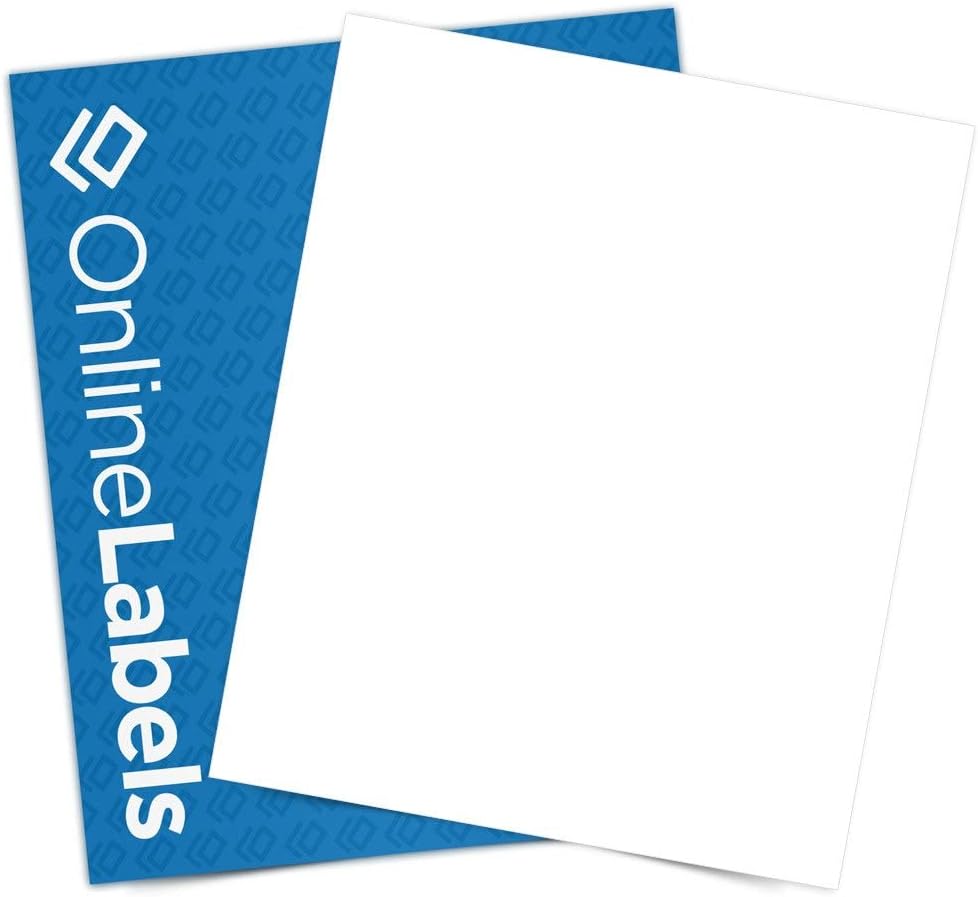
Check Latest Price on Amazon5. Sticker Paper, 2,000 Sheets, White Matte, 8.5" x 11" Full Sheet Label, Works with Inkjet and Laser Printer, Compatible with Electronic Cutting Machines, OL177WX, OnlineLabels
A middle-ground full-sheet option that prints well on lasers and is a good choice if you want to use cutting machines without committing to a huge inventory. Users note good color and value, though peelability and perceived paper quality vary.
Key Specs
- 2,000 full 8.5 x 11 matte sticker sheets
- Works with both inkjet and laser printers
- No slits on liner; ships in protective clamshell
- Includes Maestro Label Designer activation code
Pros
- Balanced pack size for small businesses
- Good print fidelity and matte finish
- Protective packaging reduces damage in storage
Cons
- Some customers find the adhesive uneven
- Peeling can be fiddly depending on the cut
Best For: Moderate-volume crafters and small shops
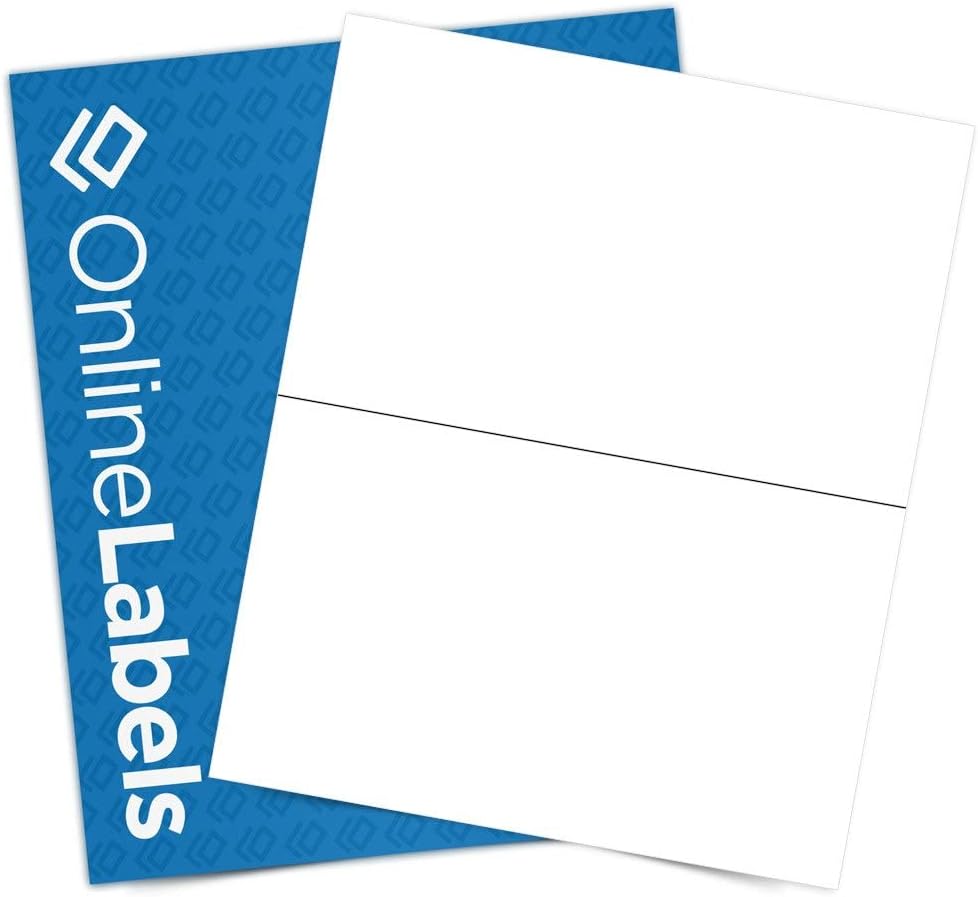
Check Latest Price on Amazon6. 8.5 x 5.5 Half-Sheet Shipping Labels - Permanent, White Matte - for FBA, FedEx, UPS - Pack of 500 Labels, 250 Sheets - Inkjet/Laser Printers - Online Labels
Half-sheet shipping labels made for clear, scannable printing and reliable adhesion to cardboard and packages. The matte, non-yellowing material holds toner well; some users report mixed experiences with easy-peel behavior and identifying the correct label side.
Key Specs
- 250 sheets; 2 half-sheet labels per 8.5 x 11 page
- Matte white label paper with permanent adhesive
- Smudge-proof, non-yellowing surface
- Ships in protective clamshell with Maestro code
Pros
- Designed for shipping and package printing
- Strong adhesion to cardboard and paper surfaces
- Smudge-resistant finish keeps barcodes clear
Cons
- Some users have trouble telling which side is the label
- Peelability varies across batches
Best For: Shipping and FBA-compatible mailing labels
Check Latest Price on AmazonWhich One Should You Choose?
If budget is tight → OfficeSmartLabels 7350 (B08BG84LL4) for solid laser-compatible performance at low cost. If you need a blend of volume and value → OfficeSmartLabels 17150 (B08BGZ4414). If you do custom cuts or need full-sheet flexibility → Online Labels 5,000 full sheets (B0779KPK6G). If your primary need is shipping labels for packages → OnlineLabels half-sheet shipping labels (B003WRAJYA).
Best for Specific Scenarios
- Small product labels (jars, bottles): OfficeSmartLabels 17150 because the adhesive is consistently praised for sticking to glass and plastic.
- Custom die-cut stickers or labels: OnlineLabels full-sheet packs because they’re designed for cutting machines and give a matte, smudge-resistant surface.
- Shipping & bulk mailing: OnlineLabels half-sheet shipping labels because they’re sized for large address labels and hold toner well for barcodes and addresses.
Frequently Asked Questions
Can I use standard label sheets in a laser printer without smudging?
Use labels specifically marked as laser-compatible or smudge-proof. Laser-safe face stock and a coating that accepts toner help the toner fuse cleanly and resist smearing. Always test a sheet and adjust your printer’s paper type (thicker stock setting) if available.
How do I avoid label sheets jamming in my laser printer?
Use sheets within your printer’s supported thickness range, fan stacks before loading to prevent sticking, store sheets flat and dry, and avoid curled or warped sheets. If available, use a manual feed tray and select a thick-paper setting for more reliable feeding.
Which label backing is easiest to peel for fast application?
Sheets with slit or perforated liners are easiest to peel quickly. Uncut liners protect sheets in bulk and can be better for cutting machines but may be harder to separate by hand. Choose based on whether you value speed of application or clean cutting and storage.
How We Selected These Products
Our recommendations are based on data-driven analysis: we evaluated 29748+ products across 4825+ brands using a composite scoring system that weighs rating (40%), review volume (30%), price value (20%), and demand signals (10%). Every product is ranked by data, not opinions.
Last updated: June 17, 2026
As an Amazon Associate we earn from qualifying purchases at no extra cost to you. Full disclosure.
HomeOfficePilot Score is our editorial ranking based on a composite analysis of product quality, value, and verified customer sentiment. Click through to Amazon for current pricing, availability, and live customer reviews.