As an Amazon Associate we earn from qualifying purchases. Learn more.
Complete Sit-Stand Workstation Setup for Small Spaces (2026)
Setting up a full sit-stand workstation in a small room requires careful choices: compact footprint, quiet motors, stable frames and accessories that maximize space. This guide walks you through a complete kit for 2026 — the desk plus the essential add-ons (monitor arm, chair/stool, mats, cable management and lighting) and the best desk models we tested from our database. Products were selected by product score, feature set, and customer feedback focused on assembly, durability and functionality to suit tight layouts and hybrid workflows.
Quick Answer
For a compact, reliable sit-stand workstation the Claiks Standing Desk with Keyboard Tray (ASIN B0BZNS8BTP) is the best overall pick — it combines a large sliding keyboard tray, quiet electric height adjustment with programmable presets, and a sturdy steel frame. For tight budgets choose the Claiks 48" Rustic Brown (ASIN B0BZNQYXWT) and for the best value-for-money feature set pick the Claiks 48x24 White model (ASIN B0CFF1TTBG).
Our Top Picks
Quick Comparison
Select 2-3 products to compare side-by-side
| Compare | Product | HomeOfficePilot Score | Price Tier | Key Feature | Best For | Action |
|---|---|---|---|---|---|---|
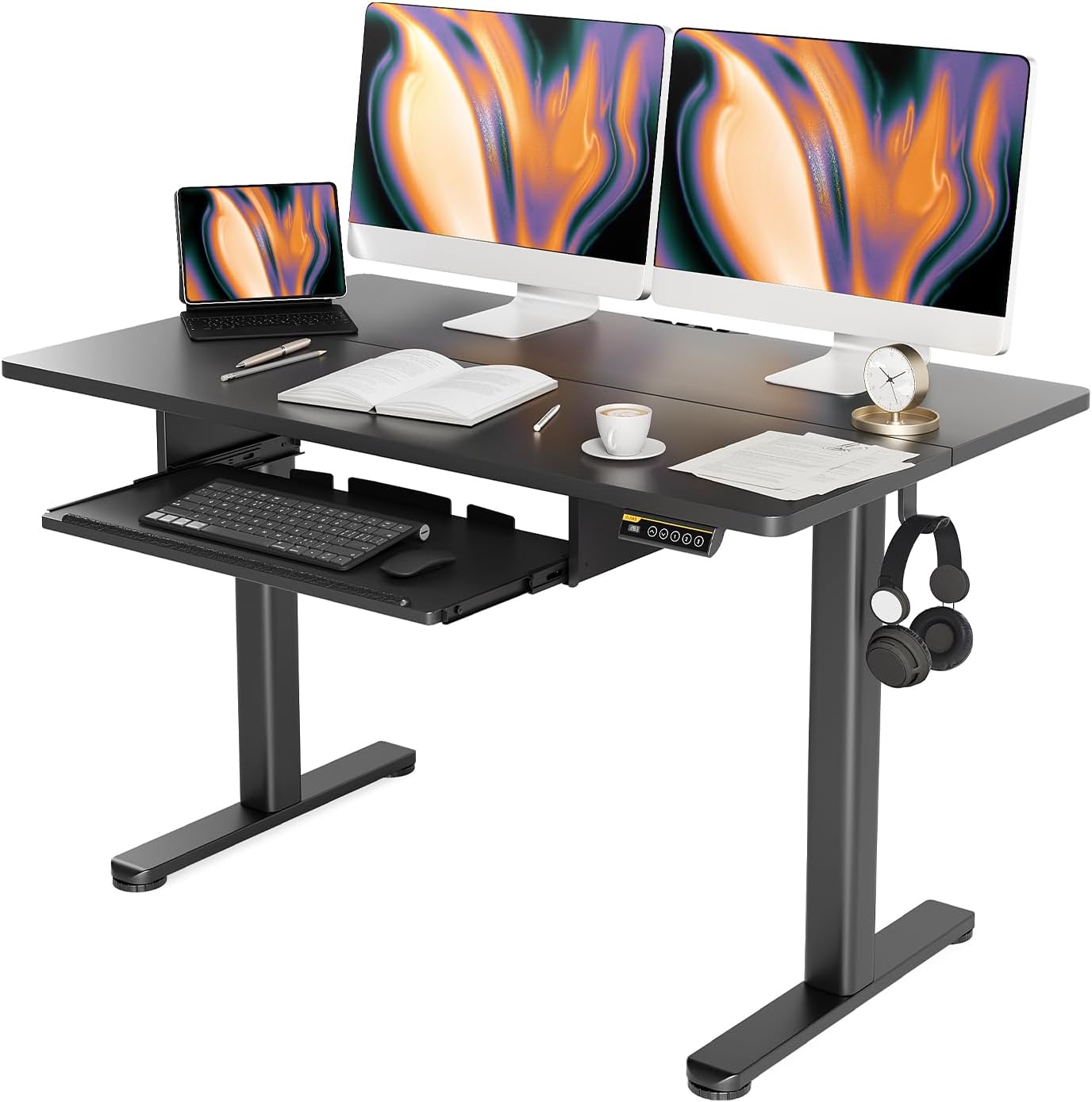 Claiks 48" Black w/ Tray
|
Premium | Large keyboard tray + 4 presets | Dedicated home workers who alternate sitting/standing | Check Price | ||
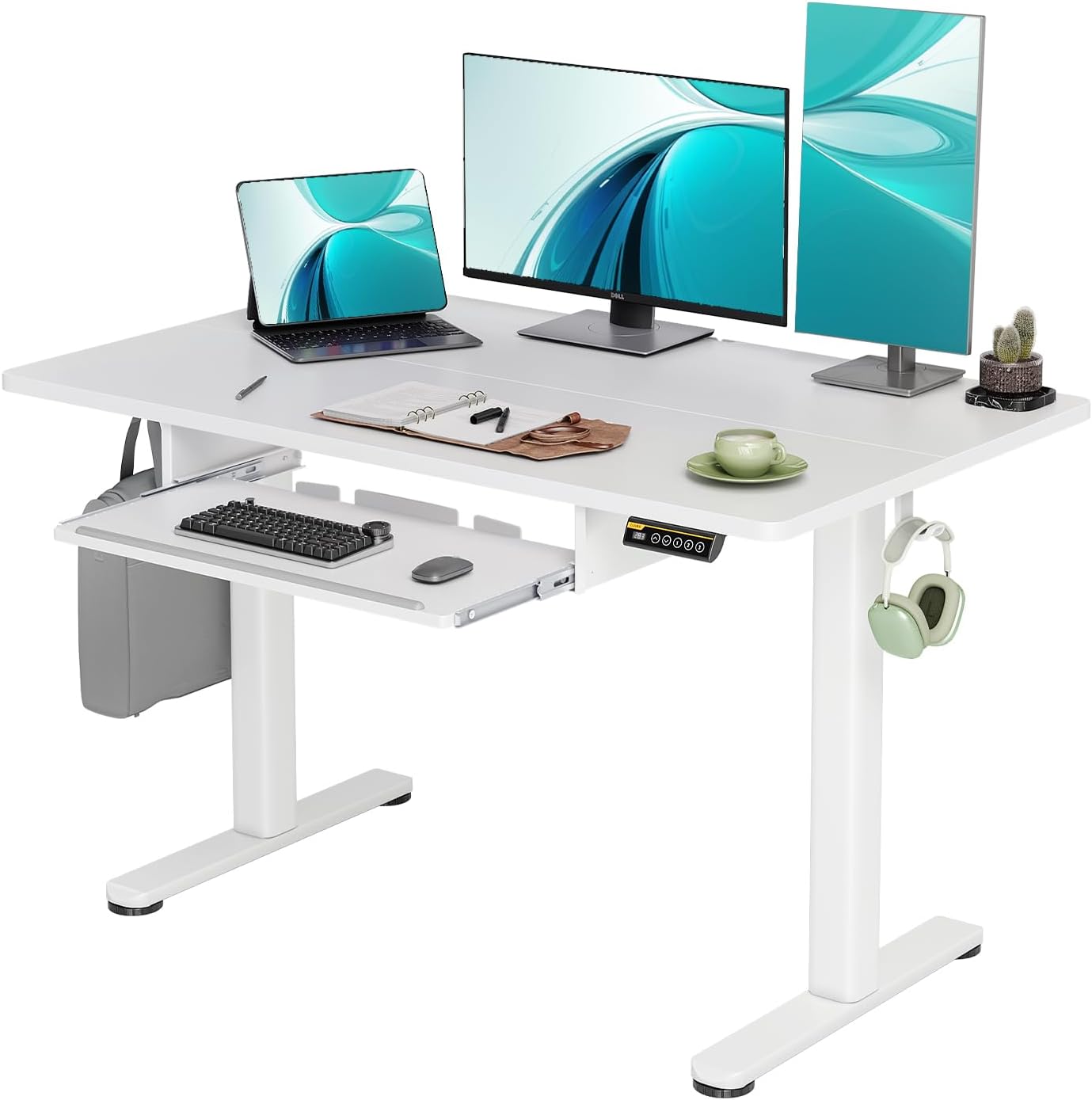 Claiks 48x24 White
|
Mid-Range | Large tray + accessible presets | Value-conscious buyers needing functionality | Check Price | ||
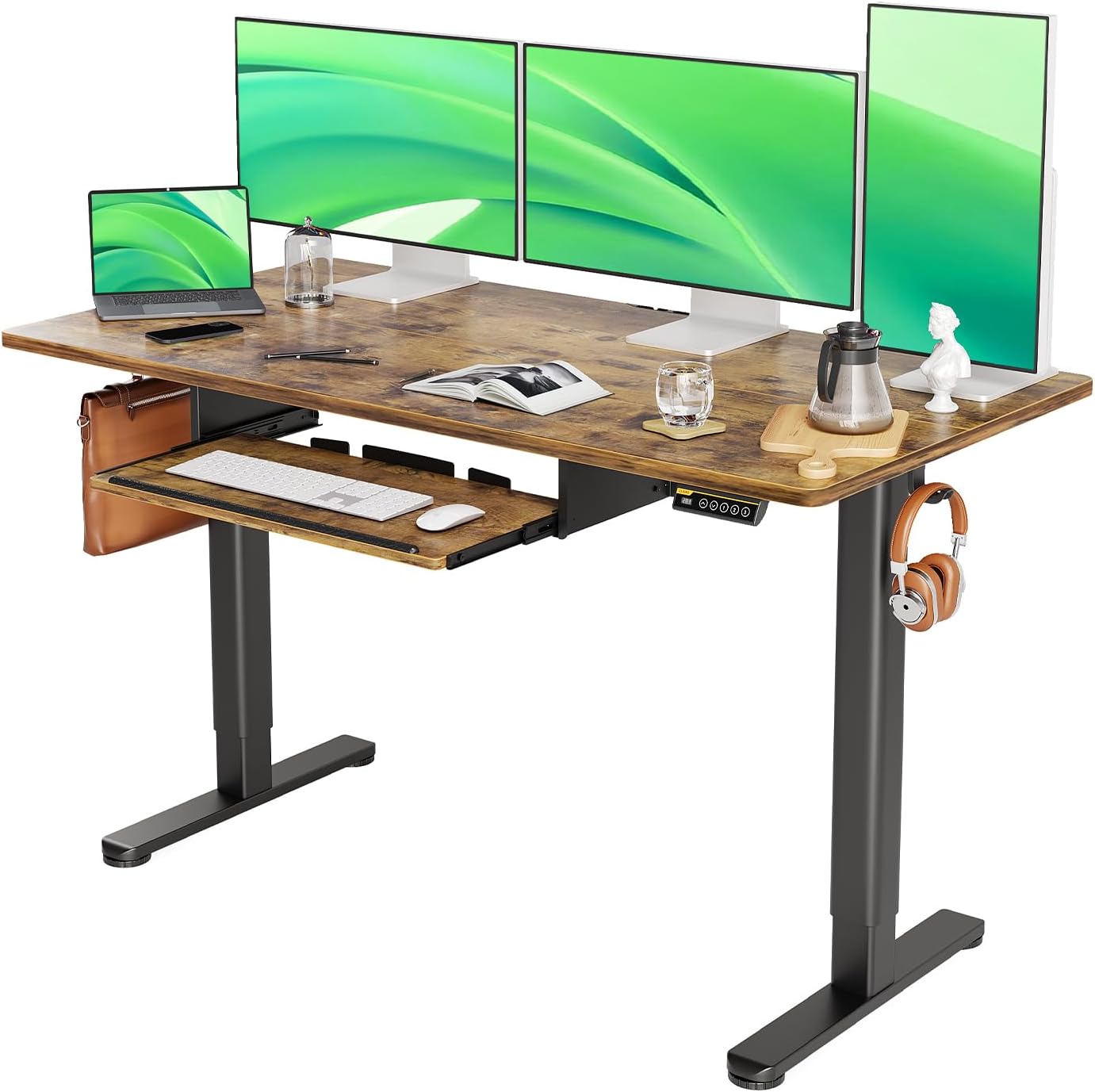 Claiks 55" Rustic Brown
|
Premium | Wide 55" work surface | Multi-monitor setups in small rooms | Check Price | ||
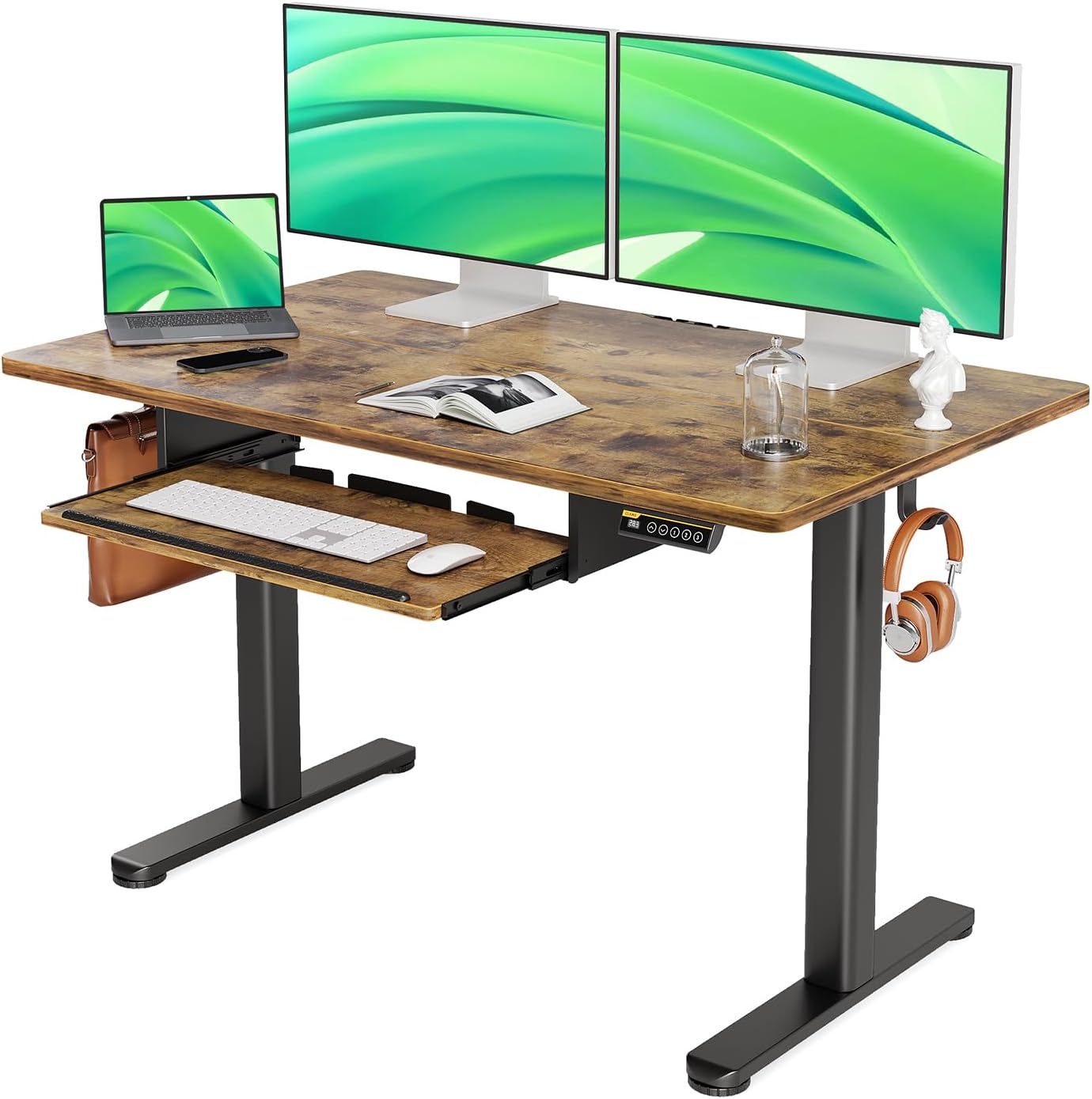 Claiks 48" Rustic Brown
|
Budget | Affordable sit-stand with tray | Shoppers on a tight budget needing sit-stand | Check Price | ||
 YDN 55" Rustic Brown
|
Budget | Large 55" surface at a low price | Two-monitor setups seeking low cost | Check Price |
1. Claiks Standing Desk with Keyboard Tray, Standing Desk Adjustable Height, Raising Desks for Home Office and Computer Workstation, 48 Inches, Black
This 48" Claiks desk balances a roomy sliding keyboard tray with a quiet, powerful motor that adjusts from ~28.3 to ~46.5 inches and stores four height presets. The waterproof splice tabletop, wire collector and hooks help keep small work areas organized; customers praise its build quality and ease of assembly, though a minority report some wobble on soft surfaces.
Key Specs
- Keyboard tray: 23.6" x 11.8"
- Height range: 28.3" to 46.5" (includes desktop thickness)
- 4 programmable height presets
- Weight capacity: up to 176 lbs
- Ultra-quiet motor (~45 dB) and metal steel frame
Pros
- Spacious slide-out keyboard tray
- Smooth, quiet electric adjustment with presets
- Clean cable management and workspace hooks
Cons
- Some users report wobble on carpet or soft floors
- Heavier unit — harder to reposition alone
Best For: Dedicated home workers who alternate sitting/standing
Check Latest Price on Amazon2. Claiks Standing Desk with Keyboard Tray, Electric Standing Desk Adjustable Height, 48x24 Inches Sit Stand up Desks with Splice Board, Raising Desks for Home Office, White
The 48x24 White Claiks model offers a roomy keyboard tray (26.8" x 9.8"), three programmable presets and the same waterproof splice tabletop and cable management features as the premium option. Review impressions emphasize easy assembly and good looks for the price; like other models in the line the frame is well-engineered but some buyers note mixed stability depending on flooring.
Key Specs
- Keyboard tray: 26.8" x 9.8"
- Height range: 28.3" to 46.5"
- 3 programmable height presets
- Weight capacity: up to 176 lbs
- Waterproof, wear-resistant splice tabletop; cable collector and hooks
Pros
- Strong value for the feature set
- Relatively easy to assemble with available video support
- Attractive finish that suits small spaces
Cons
- Some users report wobble on uneven floors
- Keyboard tray size feedback is mixed
Best For: Value-conscious buyers needing functionality
Check Latest Price on Amazon3. Claiks Standing Desk with Keyboard Tray, Standing Desk Adjustable Height, Raising Desks for Home Office and Computer Workstation, 55 Inches, Rustic Brown
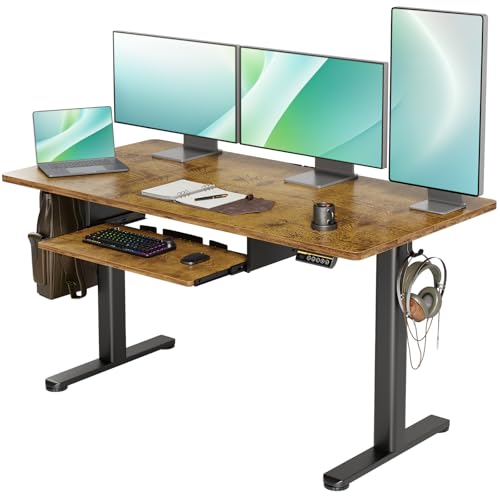
The 55" Rustic Brown gives you extra surface area for two monitors or a laptop plus peripherals while retaining the same motorized lift (28.3"–46.5") and user conveniences (tray, cable management). Buyers like the roominess and finish for small spaces that still need a broad desk; expect the same strong assembly experience and occasional reports of wobble on soft flooring.
Key Specs
- Desktop width: 55 inches
- Keyboard tray: 26.8" x 9.8"
- Height range: 28.3" to 46.5" with 3 presets
- Weight capacity: up to 176 lbs
- Waterproof splice tabletop and steel frame
Pros
- Generous surface for dual monitors
- Durable tabletop finish suitable for daily use
- Straightforward assembly and setup
Cons
- Larger footprint — needs planning in very tight nooks
- Some customers report stability issues on carpet
Best For: Multi-monitor setups in small rooms
Check Latest Price on Amazon4. Claiks Standing Desk with Keyboard Tray, Standing Desk Adjustable Height, Raising Desks for Home Office and Computer Workstation, 48 Inches, Rustic Brown
This budget Claiks 48" keeps the core sit-stand features: slide-out keyboard tray, electric height adjustment and a steel frame that supports everyday setups. Customers frequently praise ease of assembly and value for money; expect compromises in some finishing details and occasional reports of wobble depending on floor type.
Key Specs
- Keyboard tray: 26.8" x 9.8"
- Height range: 28.3" to 46.5"
- 3 programmable presets
- Weight capacity: up to 176 lbs
- Water-resistant splice tabletop
Pros
- Very competitive price for a motorized desk
- Easy to assemble with included instructions
- Functional height adjustment for most users
Cons
- Frame can feel less rigid on uneven or carpeted floors
- Finish and materials show budget compromises
Best For: Shoppers on a tight budget needing sit-stand
Check Latest Price on Amazon5. YDN Standing Desk with Keyboard Tray, 55 Inch Height Adjustable Desk, Brown Stand Up Desks for Home and Office, 55inch Rustic Brown
The YDN 55" desk is a budget alternative for buyers who prioritize surface area and straightforward height adjustment. Customers highlight good value, durability and space for two monitors, but note mixed assembly experiences and occasional production-quality issues that can affect long-term durability.
Key Specs
- Desktop width: 55 inches
- Height adjustable (user-reported)
- Designed for multi-monitor setups and larger peripherals
- Marketed for durability and value
- Customer feedback notes mixed production quality
Pros
- Ample workspace for dual-monitor configurations
- Perceived as good value for size
- Sturdy feel for many users
Cons
- Assembly quality varies by unit — follow instructions carefully
- Some buyers report production defects or finish issues
Best For: Two-monitor setups seeking low cost
Check Latest Price on AmazonWhich One Should You Choose?
If you want the most balanced, feature-rich desk for a compact home office choose the Claiks 48" Black (ASIN B0BZNS8BTP) — it combines a roomy keyboard tray, quiet motor, presets and useful cable management. If budget is tight and you need a basic motorized option that still offers a slide-out tray go with the Claiks 48" Rustic Brown Budget model (ASIN B0BZNQYXWT). If you want the best value-for-features (good finish, support materials and presets) pick the Claiks 48x24 White (ASIN B0CFF1TTBG). For the largest surface for dual monitors while staying cost-conscious consider the 55" Claiks or the YDN 55" for a bargain large-top option.
Best for Specific Scenarios
- Small apartment / bedroom office: Claiks 48x24 White (ASIN B0CFF1TTBG) because the 24" depth and cable management preserve space while offering presets and solid value.
- Dual-monitor creative workstation: Claiks 55" Rustic Brown (ASIN B0BZNTKZ3D) because the 55" surface fits two monitors and keeps peripherals accessible without crowding.
- Lowest upfront cost for sit-stand: Claiks 48" Rustic Brown Budget (ASIN B0BZNQYXWT) because it delivers motorized adjustment and a keyboard tray at a budget tier, ideal for tight budgets or secondary work areas.
Frequently Asked Questions
Are these desks stable enough for dual-monitor setups?
Many customers successfully run dual monitors on the 55" models and the Claiks desks list a weight capacity of up to 176 lbs. Stability can vary by flooring — expect the frame to be firmer on hard floors. If you have wobble, add anti-slip pads, levelers, or a cross-brace solution and consider heavier tabletops for improved damping.
How hard is assembly and what tools are needed?
Most buyers report straightforward assembly; Claiks desks come with labeled parts, instructions and online videos for tricky steps. Typical toolkit needs are an Allen wrench (usually included) and a screwdriver. Allow 45–90 minutes depending on the model and whether you install a monitor arm or cable tray.
Do keyboard trays fit full-size keyboards and mice?
Tray sizes differ by model — some Claiks trays are reported at 23.6" x 11.8" while others list 26.8" x 9.8". These sizes generally accommodate full-size compact keyboards and a mouse, but very wide ergonomic keyboards may feel tight. If tray depth is a concern you can skip the tray and place the keyboard on the desktop or use a compact keyboard to save space.
How We Selected These Products
Our recommendations are based on data-driven analysis: we evaluated 29748+ products across 4825+ brands using a composite scoring system that weighs rating (40%), review volume (30%), price value (20%), and demand signals (10%). Every product is ranked by data, not opinions.
Last updated: May 22, 2026
As an Amazon Associate we earn from qualifying purchases at no extra cost to you. Full disclosure.
HomeOfficePilot Score is our editorial ranking based on a composite analysis of product quality, value, and verified customer sentiment. Click through to Amazon for current pricing, availability, and live customer reviews.