As an Amazon Associate we earn from qualifying purchases. Learn more.
How to Lower Home Printing Costs Without Sacrificing Quality (2026)
Printing at home is convenient — until ink, labels and reprints start eating your budget. This guide is for home office workers, small-shipping sellers, and anyone who prints regularly and wants to cut per-page costs without downgrading output. You’ll learn practical ways to save (inkless options, bulk labels, smarter cartridges), how each product reduces costs in real use, and what to look for when picking supplies. Products here were selected for cost-efficiency, reliable print quality, customer feedback on durability and ease of use, and clear ways they lower ongoing printing expenses.
Quick Answer
Yes — you can cut home printing costs while keeping quality by choosing efficient consumables and the right workflows. For most home offices the Epson T212 Claria ink set is the best overall choice because individual cartridges and Claria inks deliver sharp text and vibrant color while reducing waste from full-cartridge replacements.
Our Top Picks
Quick Comparison
Select 2-3 products to compare side-by-side
| Compare | Product | HomeOfficePilot Score | Price Tier | Key Feature | Best For | Action |
|---|---|---|---|---|---|---|
 Epson T212 Claria Ink
|
Budget | Individual dye & pigment cartridges | Home offices that value quality per page | Check Price | ||
 Phomemo M832 Thermal
|
Premium | Inkless thermal printing | Portable, ink-free printing on the go | Check Price | ||
 MFLABEL Half Sheet
|
Premium | High-volume 2000-label pack | High-volume shippers and small businesses | Check Price | ||
 MBLABEL Half Sheet
|
Mid-Range | Waterproof and oil-proof labels | Sellers who need durable, scannable labels | Check Price | ||
![[500 Sheets; 1000 Labels] Half Sheet Self Adhesive Shipping Labels for Laser & Inkjet Printers, 8.5" X 5.5"](/assets/images/products/B078HVQS8G.jpg) Fangtek Half Sheet
Fangtek Half Sheet
|
Budget | Economy 1000-label pack | Low-volume shippers and tight budgets | Check Price |
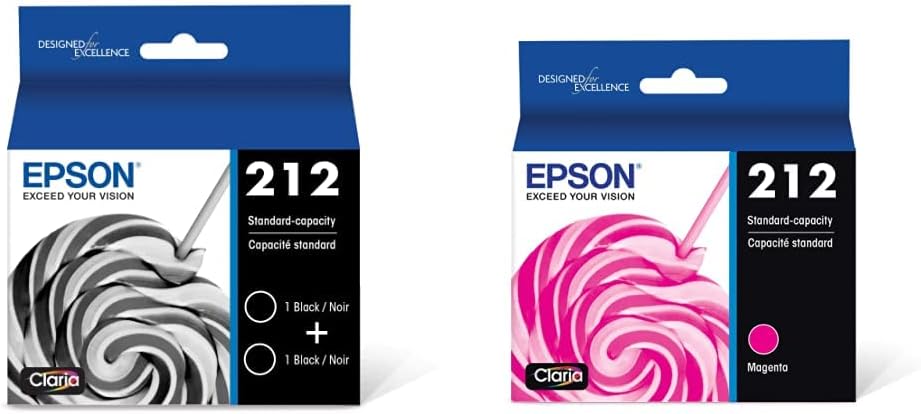
1. Epson T212 Claria -Ink Standard Capacity Black Dual -Cartridge Pack (T212120-D2) for Select Expression and Workforce Printers & T212 Claria -Ink Standard Capacity Magenta -Cartridge (T212320-S)
Epson's T212 Claria ink lowers cost-per-page by letting you replace only the colors you use while delivering fast-drying, sharp text and vibrant color on plain and glossy media. For home users who print mixed documents and photos, the efficiency of individual cartridges reduces waste and cuts long-term ink spending without sacrificing output quality.
Key Specs
- Claria ink set: dye color cartridges + pigment black
- Fast-drying formula for plain and glossy paper
- Individual replaceable cartridges (no all-in-one packs)
- Standard capacity cartridges for select Expression & Workforce models
Pros
- Sharp text and vibrant color reduces need to reprint
- Replace only depleted colors to cut waste and cost
- Easy to install and compatible with common Epson models
Cons
- Standard-capacity cartridges require more frequent replacements than high-capacity options
- Quality depends on using recommended paper to avoid smearing
Best For: Home offices that value quality per page
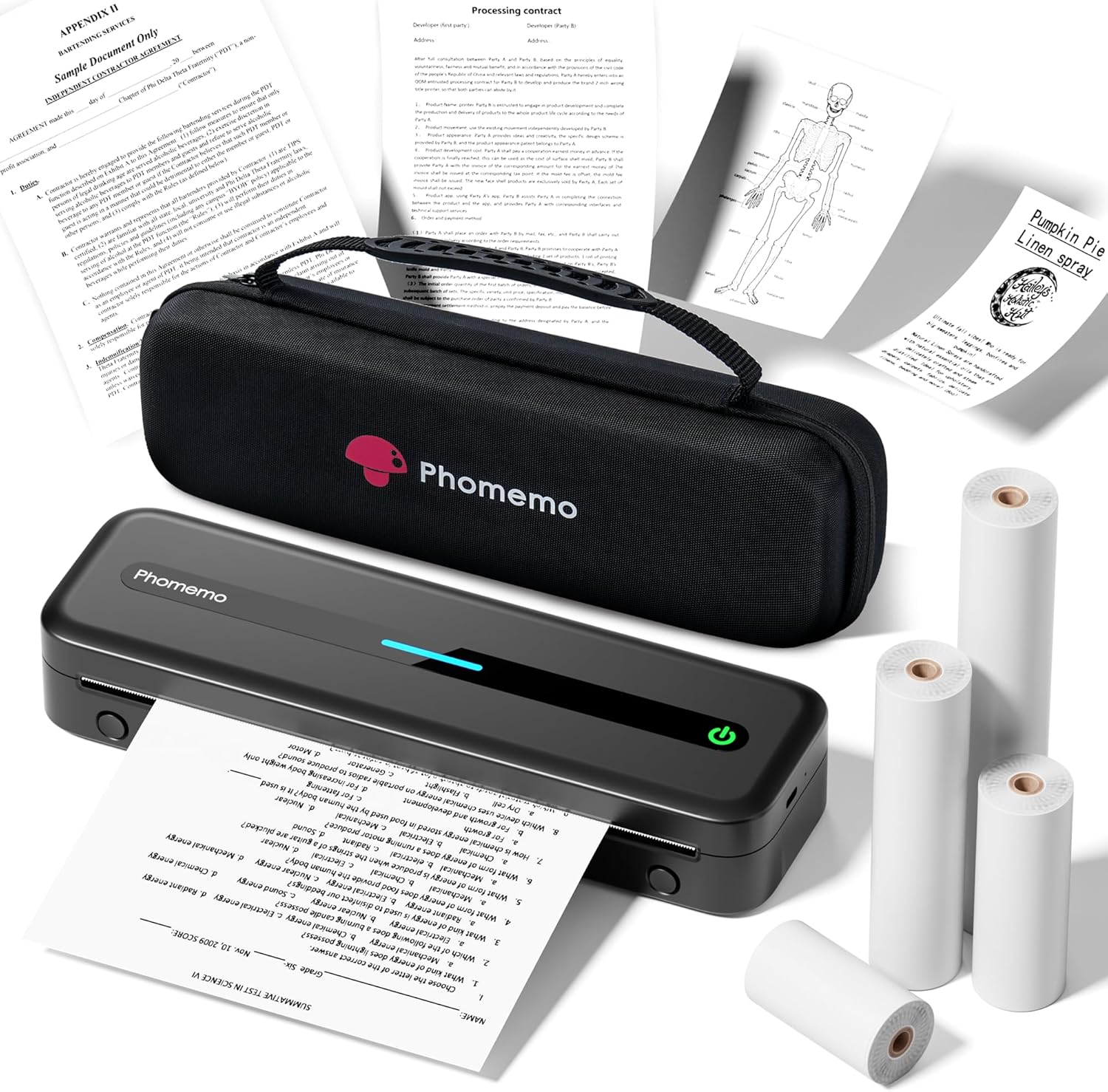
Check Latest Price on Amazon2. Phomemo Portable Printers Wireless for Travel, M832 Inkless Thermal Printer Support 8.5" X 11" & Multi Sizes, Bluetooth Mobile Printer for Home Office Car, Compatible with iPhone Android Laptop
The Phomemo M832 eliminates ink purchases entirely by using thermal paper, which can cut traditional printing expenses by up to ~90% for compatible tasks. It’s ideal for receipts, itineraries, labels and black-and-white documents; Bluetooth and USB connectivity plus a rechargeable battery make it a low-overhead backup or travel printer that reduces reliance on costly desktop ink cartridges.
Key Specs
- Inkless thermal technology (no ink or toner required)
- Bluetooth and USB connectivity; compatible with iPhone/Android/laptops
- Supports multiple paper sizes up to 8.5" x 11"
- 2600mAh battery for portable printing; includes protective case
Pros
- Removes ongoing ink/toner costs for compatible print jobs
- Very portable — great for mobile use and cramped desks
- Easy Bluetooth setup and simple app-driven printing
Cons
- Thermal paper limits color and long-term archival quality
- Some users report variable print longevity or early unit failures
Best For: Portable, ink-free printing on the go
Check Latest Price on Amazon3. MFLABEL Half Sheet Shipping Labels - 1000 Sheets (2000 Labels) 8.5" x 5.5" Self-Adhesive Address Labels for Laser & Inkjet Printers, Packaging Labels for Shipping Includes Free Fragile Stickers
Bulk shipping labels from MFLABEL lower per-label costs and speed packing — that reduces time and mistakes that cause reprints or returns. The matte, smudge-resistant surface is tuned for laser and inkjet printers so barcodes and addresses print cleanly; the pack also includes fragile stickers to avoid extra purchases.
Key Specs
- 1000 sheets → 2000 labels (8.5" x 5.5")
- Matte finish optimized for laser and inkjet printers
- Strong adhesive for corrugated boxes and mailers
- Includes 96 free 2" x 3" fragile stickers
Pros
- Bulk quantity lowers unit cost and reduces reordering frequency
- Matte, smudge-resistant surface improves scan reliability
- Works reliably in common home/office printers
Cons
- Some customers report inconsistent adhesion on certain surfaces
- Paper thickness may feel thin for heavy-duty handling
Best For: High-volume shippers and small businesses
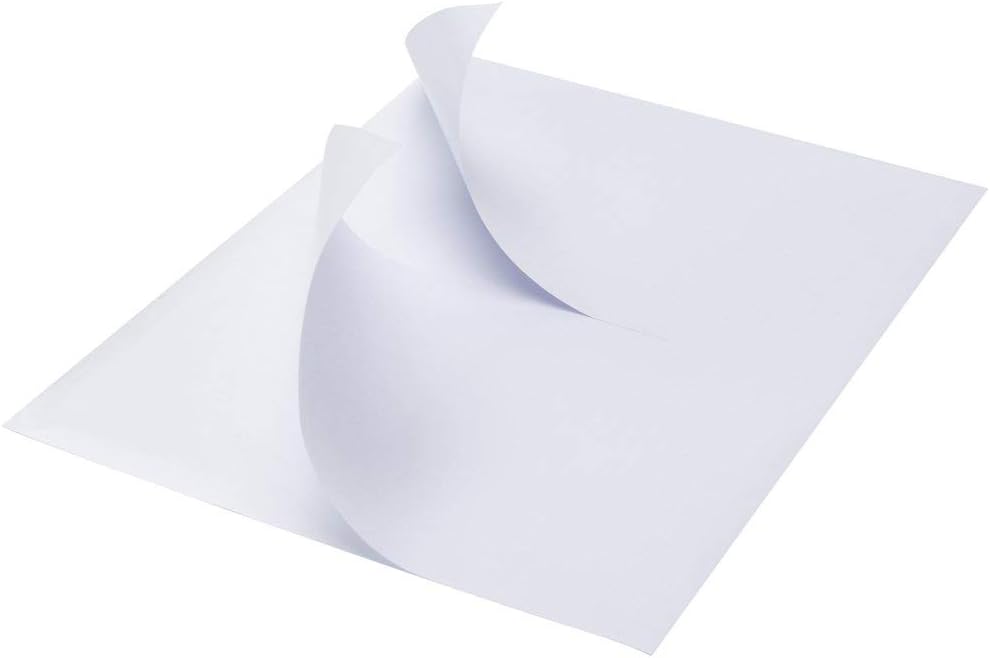
Check Latest Price on Amazon4. Half Sheet Shipping Labels, 8.5" x 5.5" Address Labels, Half Sheet Self Adhesive Mailing Labels for Laser & Inkjet Printers (1000 Sheets, 2000 Labels)
MBLABEL offers water- and oil-resistant half-sheet labels that help avoid lost or unreadable shipments — lowering indirect costs from returns and reprints. The matte, scan-friendly finish and strong adhesive make these a reliable mid-range option that balances durability and per-sheet cost for frequent shippers.
Key Specs
- Sheet size 8.5" x 11"; labels 8.5" x 5.5" (2 per sheet)
- Waterproof and oil-proof material
- Designed for inkjet & laser printers without jamming
- Matte finish for easy barcode scanning
Pros
- Durable, waterproof surface reduces label failures in transit
- Strong adhesive sticks to many materials
- Good balance of durability and per-label cost
Cons
- Some printers report occasional jams with heavier stock
- Higher per-sheet cost than basic budget labels
Best For: Sellers who need durable, scannable labels
Check Latest Price on Amazon5. [500 Sheets; 1000 Labels] Half Sheet Self Adhesive Shipping Labels for Laser & Inkjet Printers, 8.5" X 5.5"
Fangtek's half-sheet labels are the lowest-cost option here; by buying basic labels in bulk you cut tape and manual labeling time, lowering overall shipping expenses. They’re designed for smooth printer passage and have a matte, smudge-resistant finish, though the thinner stock reflects their economy price.
Key Specs
- 500 sheets → 1000 labels (8.5" x 5.5")
- Compatible with laser and inkjet printers
- Matte sticker paper to prevent smudging
- Strong adhesive for common packaging surfaces
Pros
- Lowest upfront cost per label for small sellers
- Designed to feed smoothly through home printers
- Matte finish reduces ink smearing
Cons
- Thinner paper stock can feel less durable in shipping
- Less consistent adhesion on textured or moist surfaces
Best For: Low-volume shippers and tight budgets
Check Latest Price on AmazonWhich One Should You Choose?
If you want the safest balance of quality and ongoing savings → Epson T212 Claria (B0B3F2TTFZ). If budget is tight and you only need labels → Fangtek Half Sheet (B078HVQS8G). If you need durable, scannable labels for regular shipping and the best value balance → MBLABEL Half Sheet (B0B14PTHXZ). If you want to eliminate ink for receipts/portable print jobs → Phomemo M832 Thermal (B0CXS654HH). For high-volume label needs with bulk savings and extras → MFLABEL Half Sheet (B09W5K62F6).
Best for Specific Scenarios
- Small home office with mixed documents: Epson T212 Claria — individual cartridges and Claria ink keep color and text quality high while avoiding wasteful full-cartridge swaps.
- Mobile workers and receipts: Phomemo M832 Thermal — inkless printing slashes consumable expenses and fits into a bag for travel.
- Regular e-commerce shipping: MBLABEL Half Sheet — waterproof, durable labels reduce returns and unreadable barcodes, saving time and money downstream.
Frequently Asked Questions
What is the cheapest way to print at home without losing quality?
Match the printing method to the job: use pigment/dye combo cartridges for color and photo work (replace only depleted colors), buy high-yield or bulk labels for shipping, and use an inkless thermal printer for monochrome receipts and packing slips. Good workflow and quality paper reduce reprints, which is often the biggest hidden cost.
Are inkless thermal printers good enough for home use?
Thermal printers are excellent for black-and-white receipts, itineraries, labels and simple documents — because they remove ink/toner costs. They’re not suitable for color printing, photo-quality output, or long-term archival documents, so use them alongside a regular inkjet or laser printer when you need color or high-fidelity prints.
How do labels save money compared with paper + tape?
Self-adhesive labels speed up packing, reduce manual errors, and eliminate tape waste. Buying in bulk lowers unit cost and the right adhesive/stock prevents returns and reprints from peeling or unreadable barcodes — avoiding indirect costs that quickly add up.
How We Selected These Products
Our recommendations are based on data-driven analysis: we evaluated 29748+ products across 4825+ brands using a composite scoring system that weighs rating (40%), review volume (30%), price value (20%), and demand signals (10%). Every product is ranked by data, not opinions.
Last updated: May 22, 2026
As an Amazon Associate we earn from qualifying purchases at no extra cost to you. Full disclosure.
HomeOfficePilot Score is our editorial ranking based on a composite analysis of product quality, value, and verified customer sentiment. Click through to Amazon for current pricing, availability, and live customer reviews.