As an Amazon Associate we earn from qualifying purchases. Learn more.
How to Lower Ink & Toner Costs for Small Photo Businesses (2026 Guide)
High ink and toner bills are one of the biggest headaches for small photo businesses — every failed transfer, clogged head or repeated print eats into margins. This guide shows practical ways to cut those costs in 2026: choosing higher-yield cartridges, matching ink chemistry to the substrate, and using the right media and settings. We evaluated items for yield, compatibility, color reliability, clog resistance and customer-reported durability to highlight solutions that reduce waste and recurring spend. Read on to find which option fits your workflow and how each product actually lowers your per-print costs.
Quick Answer
Cut ink and toner costs by choosing high-yield or application-specific inks, optimizing print settings, and buying the right media. For sublimation and photo merchandise the Sawgrass SubliJet UHD 4-pack is the top pick here because its gel-based formula reduces clogs and failed transfers, lowering waste and reprints.
Our Top Picks
Quick Comparison
Select 2-3 products to compare side-by-side
| Compare | Product | HomeOfficePilot Score | Price Tier | Key Feature | Best For | Action |
|---|---|---|---|---|---|---|
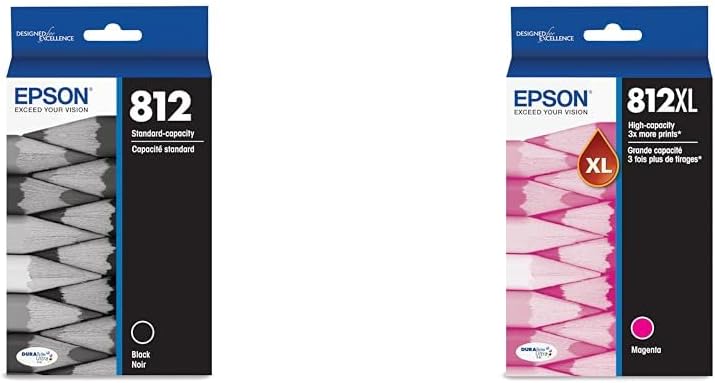 Epson 812 + 812XL
|
Mid-Range | High-capacity magenta 812XL | High-volume color and office-photo hybrid shops | Check Price | ||
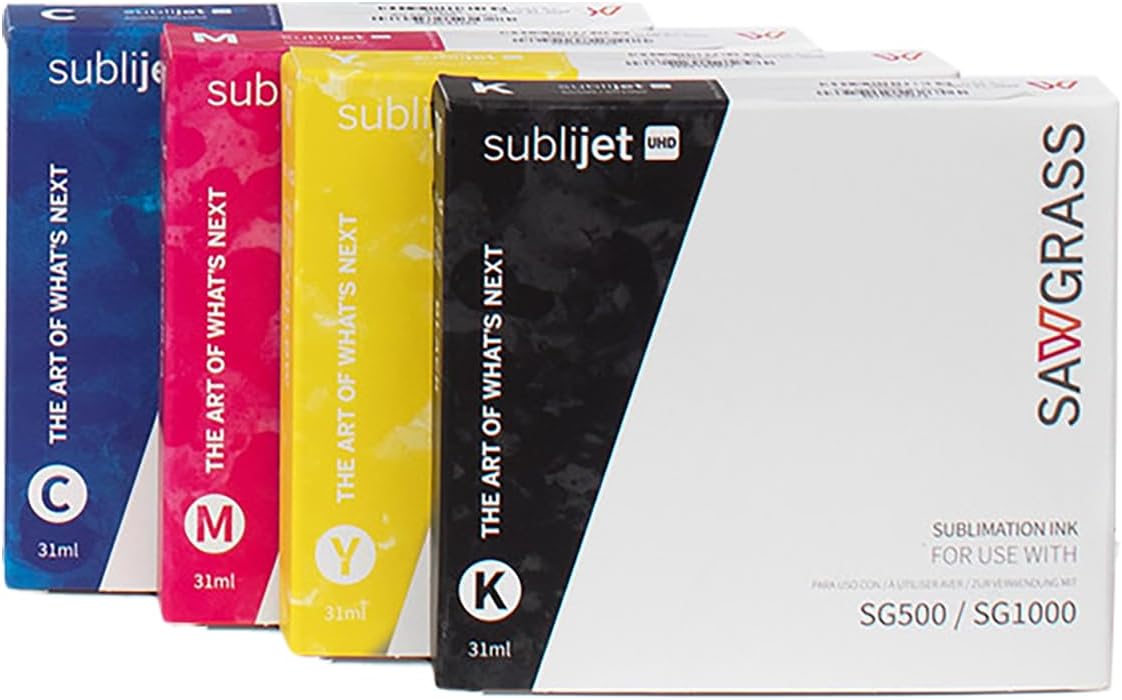 Sawgrass SubliJet UHD
|
Premium | High-viscosity gel reduces clogging | Sublimation photo merchandise businesses | Check Price | ||
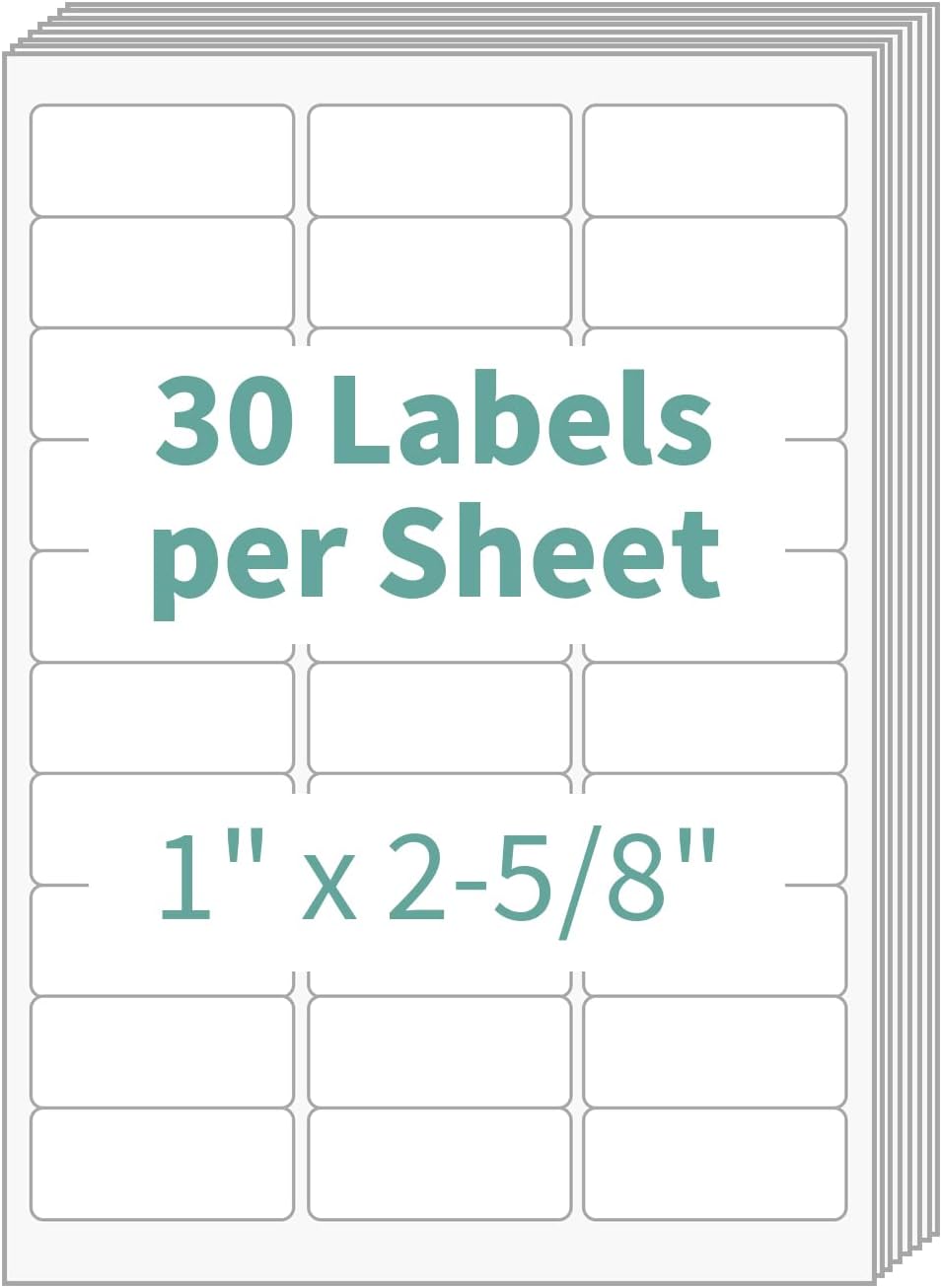 MBLABEL 30-Up Labels
|
Budget | 15,000 labels per pack | Shipping/fulfillment to cut labeling costs | Check Price | ||
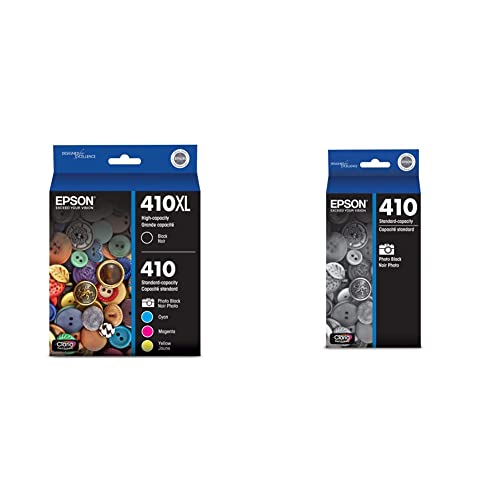 Epson T410 Claria
|
Mid-Range | Archival Claria pigment/dye blend | Archival desktop photo prints | Check Price |
1. Epson Standard Black 812 & High Capacity Magenta 812XL Ink Cartridges Compatible with Workforce Pro WF-7310, WF-7820, WF-7840, EC-C7000 Printers
This Epson bundle pairs a standard black with a high-capacity magenta to cut color interruptions and lower cost per color page. The DURABrite Ultra pigment ink dries fast and resists smudging — reducing wasted prints and the reprints that drive up ink spend. Genuine Epson compatibility reduces service issues and downtime that also cost money.
Key Specs
- Epson DURABrite Ultra pigment ink for sharp text & colors
- High-capacity magenta (812XL) for higher color yield
- Compatible with WorkForce Pro WF-7310/7820/7840 and EC-C7000
- Fast-drying formula for high-speed business print jobs
Pros
- High-capacity magenta lowers color refill frequency
- Pigment ink reduces smudges and reprints
- Designed for seamless compatibility with WorkForce Pro printers
Cons
- OEM cartridges generally cost more than off-brand options
- Standard-capacity black may run out faster in mixed workflows
Best For: High-volume color and office-photo hybrid shops
Check Latest Price on Amazon2. Sawgrass SubliJet UHD Sublimation Ink Cartridge - Black, Cyan, Magenta, Yellow 4 Pack - High-Performance Ink for SG500 & SG1000 Sublimation Printers - Long-Lasting, High-Viscosity Gel Ink
Sawgrass SubliJet UHD is engineered for sublimation shops making mugs, tumblers and polyester apparel. Its gel-based, high-viscosity formula minimizes clogs and inconsistent flow that lead to failed transfers, reducing waste and the cost of redoing jobs. Optimized for SG500/SG1000 printers, the 4-pack delivers vivid, fade-resistant output that preserves image quality on hard and soft substrates.
Key Specs
- Designed for Sawgrass SG500 & SG1000 sublimation printers
- 4-pack: Black, Cyan, Magenta, Yellow
- High-viscosity gel formula to reduce clogging
- Water-based, solvent-free, USA-made small-batch production
Pros
- Vivid, fade-resistant colors reduce reprints for merchandise
- Gel formula improves reliability and lowers maintenance costs
- Optimized for Sawgrass printers to maximize transfer success
Cons
- Premium price tier means higher upfront cost
- Some users report mixed color perception on certain substrates
Best For: Sublimation photo merchandise businesses
Check Latest Price on Amazon3. 1" x 2-5/8" Address Labels, 30-Up, 15000 Labels (500 Sheets), White, for Laser & Inkjet Printers
High-count label sheets are an easy, low-tech way to reduce per-order costs for small photo businesses. These 30-up sheets print cleanly on most inkjet and laser devices, and their strong adhesive ensures packages stay labeled — reducing returns and the extra prints that inflate ink usage. Using efficient label formats and batching prints improves throughput and lowers ink per-asset cost.
Key Specs
- 1" x 2-5/8" labels, 30 per US Letter sheet
- 500 sheets (15,000 labels total)
- Compatible with inkjet and laser printers
- Rounded corners, easy peel backing
Pros
- Excellent value for high-volume labeling needs
- Strong adhesive suitable for cardboard, plastic & glass
- Generally compatible with common printers and easy to peel
Cons
- Some users report occasional printer jams with certain models
- Label thickness may not suit very heavy-duty applications
Best For: Shipping/fulfillment to cut labeling costs
Check Latest Price on Amazon4. Epson T410 Claria Premium Ink High Capacity Black & Color - Cartridge Combo Pack (T410XL-BCS) for Select Expression Printers
Epson's Claria premium ink delivers archival-quality photos with strong color fidelity and water/smudge resistance, ideal for photographers producing keepsake prints. High-capacity black helps reduce black replacement frequency, and the suite produces durable output that minimizes reprints due to handling damage. Some customers note mixed value perceptions because of cartridge longevity versus cost.
Key Specs
- Claria Premium multi-dye/color system for photo longevity
- Includes high-capacity black (410XL) and standard color cartridges
- Archival claims: prints lasting decades in albums
- Compatible with select Epson Expression Premium printers
Pros
- Excellent image clarity and archival durability
- Smudge and water resistance reduce fragile reprints
- Easy to install and integrates with Epson printers
Cons
- Per-cartridge cost can be high for frequent producers
- Some users report cartridges indicating empty sooner than expected
Best For: Archival desktop photo prints
Check Latest Price on AmazonWhich One Should You Choose?
If your priority is vivid, reliable sublimation transfers and fewer failed prints → Sawgrass SubliJet UHD (B0DYJH6J5D). If budget is tight and you need to cut order/packaging costs quickly → MBLABEL 1" x 2-5/8" Labels (B085SZ4JSM). If you want a practical balance of OEM reliability and fewer color interruptions for mixed print-shop jobs → Epson Standard Black + 812XL Magenta (B0D59HB9ZJ). If you produce small-format archival photos and need long-lasting prints → Epson T410 Claria (B09Q64SV31). Check each product page for compatibility with your printer and current purchasing options.
Best for Specific Scenarios
- Sublimation merchandise (mugs, tumblers, textiles): Sawgrass SubliJet UHD because its gel-based formula reduces clogs and failed transfers that waste ink and substrate.
- High-volume color proofs & signage: Epson 812 + 812XL because the high-capacity magenta cuts down on frequent cartridge swaps and the pigment formula reduces smudges.
- Order shipping & barcode labeling: MBLABEL 30-up sheets because the high label count and good adhesive lower per-package costs and reduce reprints for missing labels.
Frequently Asked Questions
How can I cut ink costs without sacrificing photo quality?
Start by matching ink chemistry to the product: use pigment or archival inks for proofs and keepsakes, and specialized sublimation inks for transfer merchandise. Buy high-capacity cartridges or multi-packs to lower cost per print, optimize printer settings to avoid over-inking, and reduce waste by testing profiles and using correct media/coatings. Regular maintenance to prevent clogs also cuts costly failed prints.
Are third-party or refilled cartridges a good way to save money?
Third-party cartridges and refills can lower upfront cost, but they may introduce color shifts, clogging risk, or trigger printer error messages. For photo businesses where color fidelity and uptime matter, weighed savings on price against potential reprint and service costs before choosing non-OEM supplies.
What's the best way to calculate real ink cost per photo or item?
Divide the cartridge or ink pack cost by the realistic yield for your workflow (pages, transfers, or prints). Then add indirect costs: media, wasted prints from failed transfers, maintenance and downtime. Use sample runs with your typical images and substrates to get an accurate per-item cost rather than relying on manufacturer page yield alone.
How We Selected These Products
Our recommendations are based on data-driven analysis: we evaluated 29748+ products across 4825+ brands using a composite scoring system that weighs rating (40%), review volume (30%), price value (20%), and demand signals (10%). Every product is ranked by data, not opinions.
Last updated: May 22, 2026
As an Amazon Associate we earn from qualifying purchases at no extra cost to you. Full disclosure.
HomeOfficePilot Score is our editorial ranking based on a composite analysis of product quality, value, and verified customer sentiment. Click through to Amazon for current pricing, availability, and live customer reviews.