As an Amazon Associate we earn from qualifying purchases. Learn more.
How to Choose Printer Paper and Settings for High-Quality Photo Gifts (2026)
Printing photo gifts at home—gift tags, photo stickers, or custom labels—often looks worse than expected: images can smudge, edges curl, and colors print flat. This guide helps makers and small-business sellers pick sticker/label papers and the right printer settings so printed images look sharp, last longer, and stick where you want them. I selected and ordered the products below by how well they balance print clarity, adhesive durability, and value, then cross-checked customer feedback and manufacturer specs to highlight what actually solves common problems for photo gifts.
Quick Answer
For printable photo gifts made from stickers or labels, the BESTEASY Sticker Paper (B07Y8957RD) is the top pick for its combination of print clarity and value. Use matte sticker sheets, set your printer to high-quality photo or 'matte photo paper' at 300 DPI, and protect prints with a spray sealer or laminate for the best longevity.
Our Top Picks
Quick Comparison
Select 2-3 products to compare side-by-side
| Compare | Product | HomeOfficePilot Score | Price Tier | Key Feature | Best For | Action |
|---|---|---|---|---|---|---|
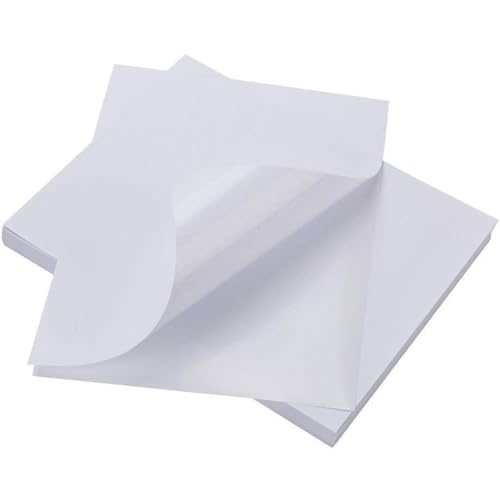 BESTEASY Full Sheet Stickers
|
Budget | Full-sheet matte labels (8.5" x 11") | Custom gift stickers and full-sheet photo labels | Check Price | ||
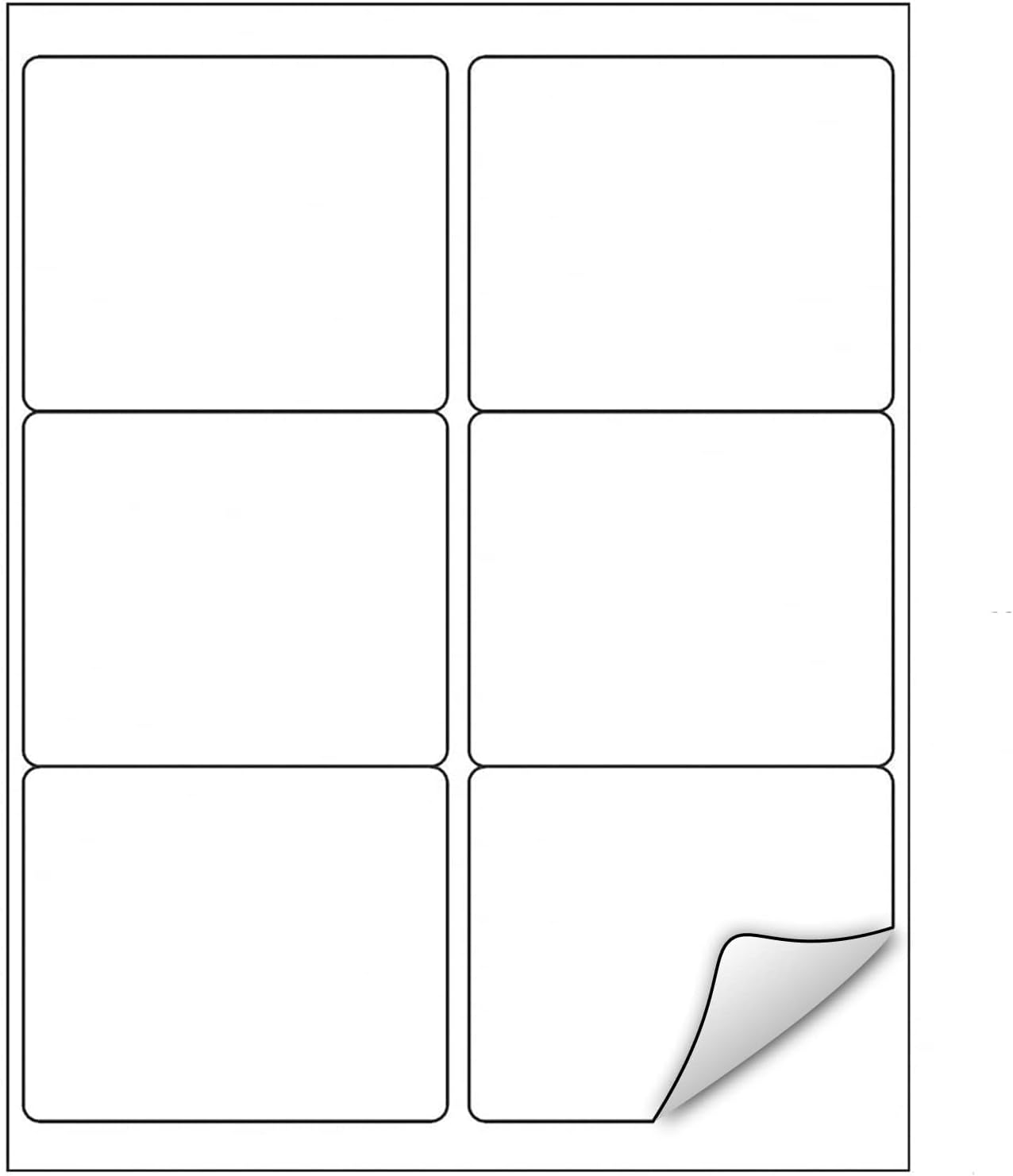 LabelMore 3.33 x 4 (6 Up)
|
Mid-Range | 6 labels per sheet (3.33" x 4") | Small photo stickers and gift tags | Check Price | ||
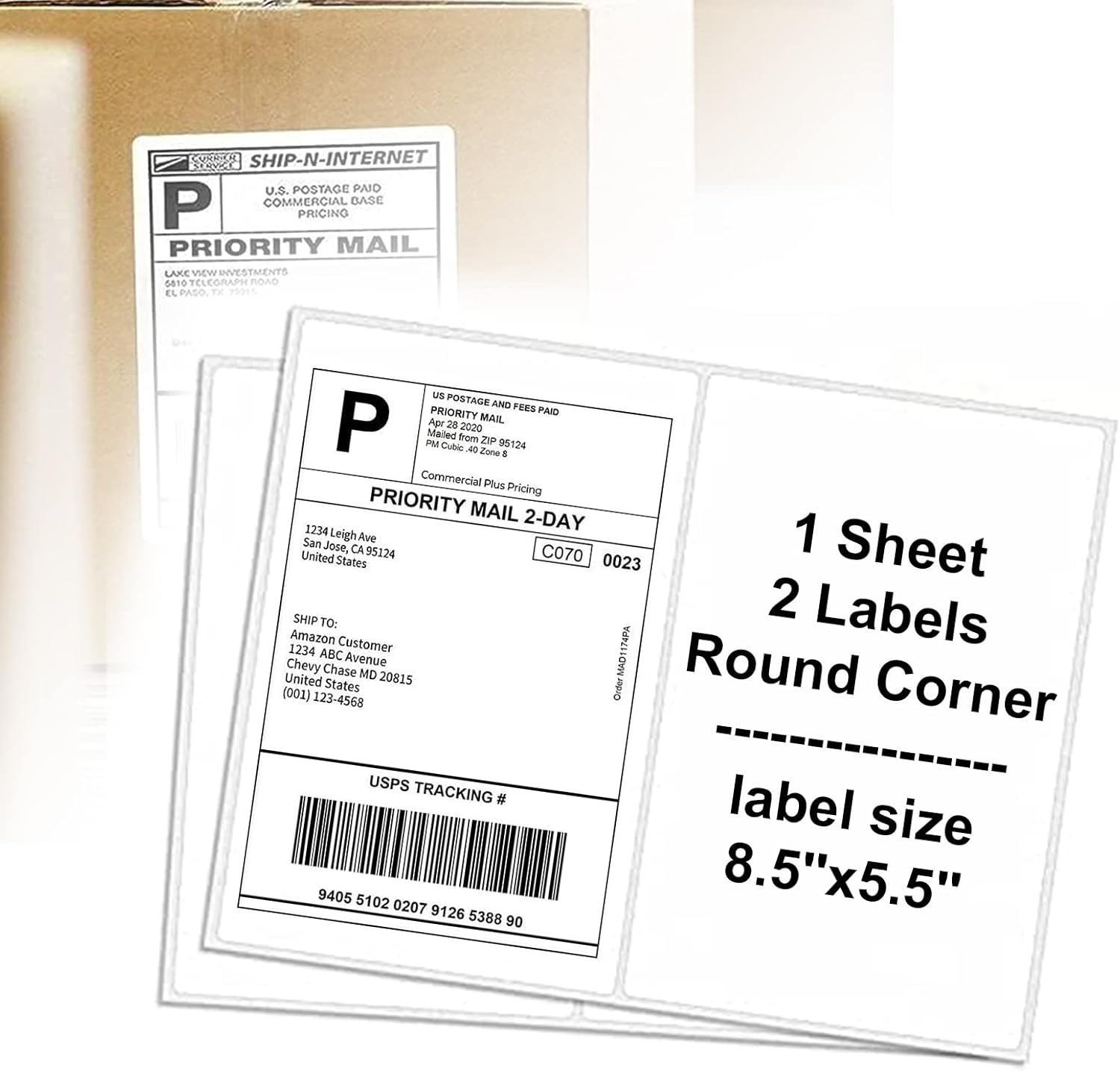 LabelMore Half Sheet 8.5x5.5
|
Premium | Large half-sheet labels (8.5" x 5.5") | Bigger photo labels and large gift decals | Check Price | ||
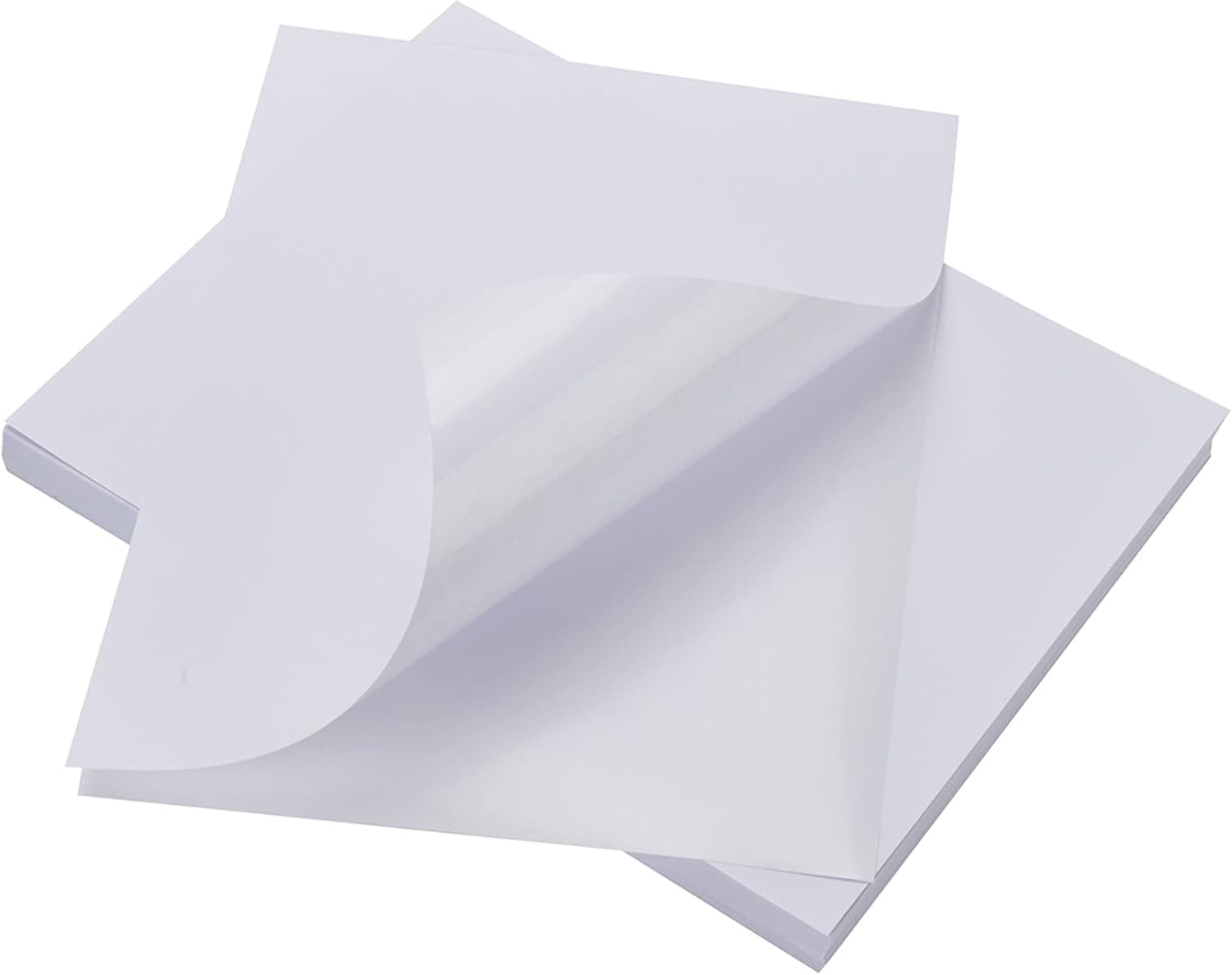 LabelMore Full Sheet (1000)
|
Budget | Full-page matte sticker (8.5" x 11") | Full-bleed photo labels and custom wraps | Check Price | ||
 LabelMore Full Sheet (2000)
|
Premium | Bulk full-page matte labels (8.5" x 11") | High-volume custom photo labels and business gifts | Check Price |
1. BESTEASY Sticker Paper 8.5" x 11" Full Sheet Label Stickers for Laser & Inkjet Printers, Self-Adhesive Paper Shipping Labels (500 Sheets,500 Labels)
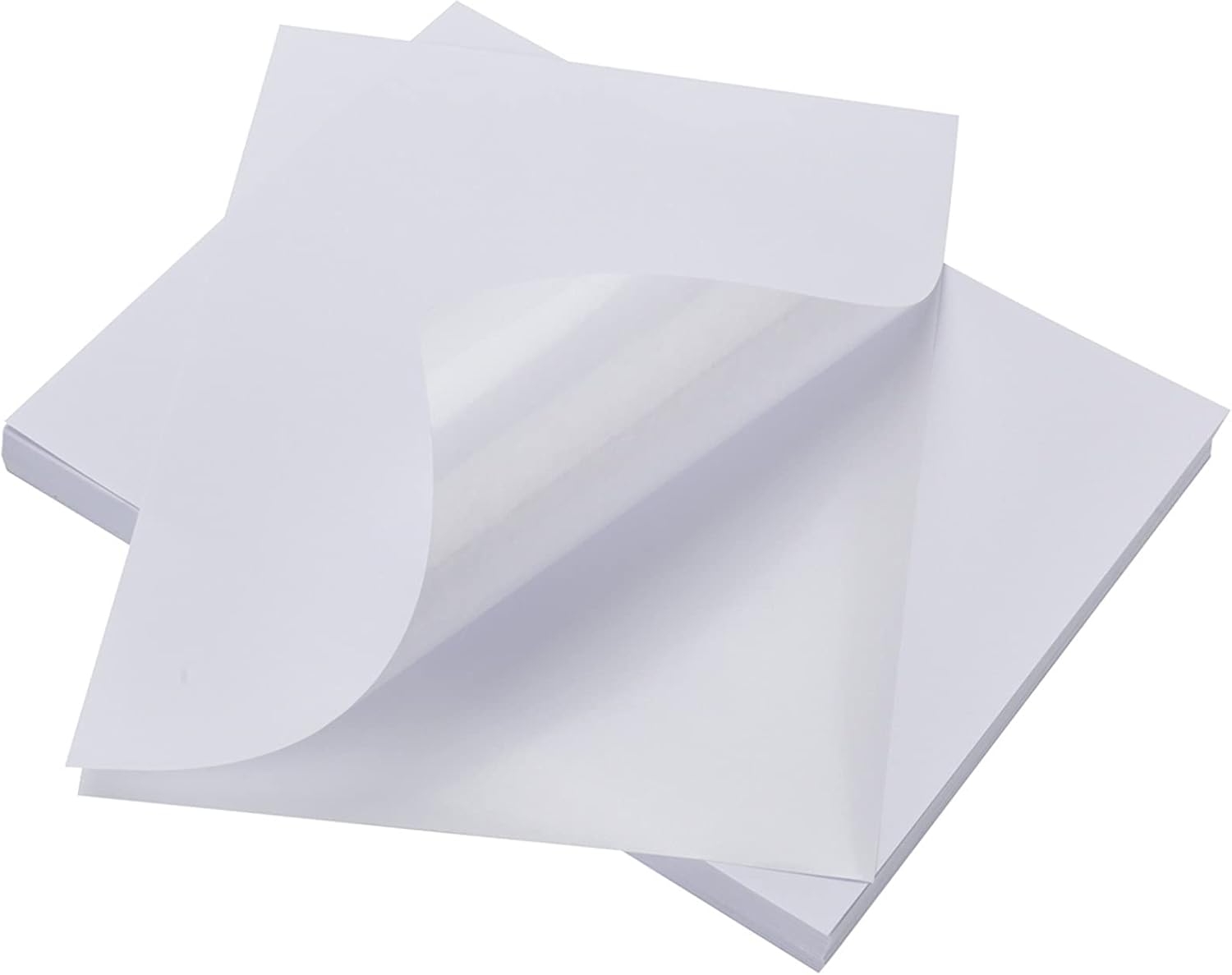
BESTEASY's full-sheet matte sticker paper gives you a large printable canvas for photo gifts. It solves the common problem of unclear text/images by offering good print clarity on both inkjet and laser printers and a strong adhesive that sticks well to gift boxes and jars.
Key Specs
- Label size: 8.5" x 11" full sheet
- Pack: 500 sheets (500 labels)
- Compatibility: Laser & inkjet printers
- Finish: Matte white, self-adhesive
Pros
- Good print clarity for photos and graphics
- Strong adhesive for secure attachment to gifts
- Large pack provides strong value for frequent projects
Cons
- Some users report inconsistent stickiness across sheets
- Paper can feel thin for heavy-duty, long-term items
Best For: Custom gift stickers and full-sheet photo labels
Check Latest Price on Amazon2. LabelMore 3 1/3 x 4 Labels - 6 Up Self Adhesive Shipping Labels - FBA Labels - Stickers for Laser & Inkjet Printers - 1000 Sheet/ 6000 Labels
These 6-up label sheets make it easy to print multiple small photo stickers or gift tags per page. They address the need for tidy, repeatable small-format prints with smudge-free surface claims and generally crisp print quality in most home printers.
Key Specs
- Label size: 3-1/3" x 4", 6 labels per 8.5" x 11" sheet
- Pack: 1000 sheets (6000 labels)
- Adhesive: Permanent
- Compatibility: Inkjet & laser printers; writable matte surface
Pros
- Crisp prints on small labels for tags and favors
- Good value for mid-volume users
- Works well with Avery templates and common printers
Cons
- Corners have been reported to curl, which can jam printers
- Some customers say paper quality feels light
Best For: Small photo stickers and gift tags
Check Latest Price on Amazon3. LabelMore 8.5'' x 5.5'' Half Sheet Self Adhesive Shipping Labels for Laser & Inkjet Printers - Rounded Corner - Shipping Labels 2 Per Sheet (4000 Labels)
The half-sheet format gives you room for larger photos and bold designs—great for statement gift labels or product-style photo stickers. LabelMore emphasizes a matte, smudge-proof finish and strong adhesion for reliable scanning and long-lasting labels.
Key Specs
- Label size: 8.5" x 5.5" (2 per 8.5" x 11" sheet)
- Pack: 2000 sheets (4000 labels)
- Finish: Matte, smudge-proof, and waterproof claims
- Compatibility: Works with most inkjet and laser printers
Pros
- Large printable area for high-impact photo labels
- Matte finish reduces glare for better scanning
- Smudge-resistant output keeps images legible
Cons
- Adhesive behavior is mixed—some users report difficulty peeling
- Some sheets may curl at edges, risking printer feed issues
Best For: Bigger photo labels and large gift decals
Check Latest Price on Amazon4. LabelMore 8.5 x 11 Full Sheet Sticker Label for Laser & Inkjet Printers, 1000 mailing Shipping Labels, White
This full-sheet label option lets you print edge-to-edge photos or big decals for special gifts. It promises a matte writable finish and compatibility with common printers, solving the need for large custom prints without special paper sizes.
Key Specs
- Label size: 8.5" x 11" full sheet
- Pack: 1000 sheets (1000 labels)
- Adhesive: Permanent matte finish
- Compatibility: Compatible with laser & inkjet printers; writable
Pros
- Large format for full-sheet photo stickers
- Matte finish reduces glare and is writable
- Designed to feed smoothly in many printers
Cons
- Manufacturer notes high-res photo printing may not match dedicated photo paper
- Adhesion consistency varies by surface
Best For: Full-bleed photo labels and custom wraps
Check Latest Price on Amazon5. LabelMore 8.5 x 11 Full Sheet Sticker Label for Laser & Inkjet Printers, 2000 mailing Shipping Labels, White
If you need large quantities of full-sheet labels for photo gifts or product packaging, this bulk option offers scale. It solves workflow friction by promising smooth feeding and printable matte surfaces, though ultimate photo fidelity depends on your printer.
Key Specs
- Label size: 8.5" x 11" full sheet
- Pack: 2000 sheets (2000 labels)
- Finish: Matte white, writable
- Compatibility: Works with most inkjet and laser printers
Pros
- Best for large runs and business gifting
- Matte surface reduces glare and smudging
- Designed for consistent feeding through printers
Cons
- Not optimized for professional high-resolution photo printing
- Some users report occasional curling and adhesion variance
Best For: High-volume custom photo labels and business gifts
Check Latest Price on AmazonWhich One Should You Choose?
If budget is tight → choose LabelMore 8.5 x 11 Full Sheet Sticker Label (B09ZL7B97S) for large-format photo stickers without a big up-front cost. If you need small, repeatable tags or favors → choose LabelMore 3 1/3 x 4 Labels (B09MYXH35C). If premium size and durability matter for large photo decals → choose LabelMore 8.5'' x 5.5'' Half Sheet (B09MHB4TGV). For a balance of print clarity and value for everyday custom photo gifts → BESTEASY Sticker Paper (B07Y8957RD) is the most practical pick.
Best for Specific Scenarios
- Small gift tags & favors: LabelMore 3 1/3 x 4 (B09MYXH35C) because its 6-up layout speeds printing and cutting.
- Full-bleed photo labels for premium packaging: LabelMore Full Sheet (B09ZL7B97S or B09ZL8PDY8) because a full 8.5"x11" canvas lets you print large images and wraps.
- Statement decals and larger photo stickers: LabelMore Half Sheet 8.5"x5.5" (B09MHB4TGV) because the larger printable area and matte finish reduce glare and look professional on gift boxes.
Frequently Asked Questions
Can I print photo-quality images on sticker paper with a home printer?
Yes—especially on inkjet printers set to high-quality or 'photo' mode and when you use sticker stock designed for your printer type. Use 300 DPI source images, pick a coated matte or glossy sticker paper matched to inkjet or laser, and run test prints to check color and feeding. Note: sticker paper often won't match specialized photo paper for extremely high-resolution prints, so manage expectations.
How do I prevent smudging and make stickers last on gifts?
Let prints dry completely, then protect them: use a clear spray fixative for inkjet prints or apply a clear laminate/overlaminate sheet. For wet or high-wear items, choose paper advertised as smudge-resistant or waterproof and test on a sample piece before finishing a whole batch.
Which printer settings give the best results for photo gifts?
Set your printer to the highest print quality or 'photo' setting, select the paper type closest to your stock (matte/gloss/photo), and ensure color management is handled in one place—either in your image editor or the printer driver, not both. Use 300 DPI images and a print color profile if available for more accurate color reproduction.
How We Selected These Products
Our recommendations are based on data-driven analysis: we evaluated 29748+ products across 4825+ brands using a composite scoring system that weighs rating (40%), review volume (30%), price value (20%), and demand signals (10%). Every product is ranked by data, not opinions.
Last updated: May 22, 2026
As an Amazon Associate we earn from qualifying purchases at no extra cost to you. Full disclosure.
HomeOfficePilot Score is our editorial ranking based on a composite analysis of product quality, value, and verified customer sentiment. Click through to Amazon for current pricing, availability, and live customer reviews.